ADVERTISEMENT
ADVERTISEMENT
Tropical Booklet Template
Use this free template with Google Docs and Microsoft Word
4.17 (2 reviews)
•
Last updated
Updated
October 31, 2026
•
Created by
Alexander Wright
ADVERTISEMENT
Template Specification
Format
Google Docs
Created
January 23, 2023
Last Updated
October 31, 2026
Community
Added to collections by 2 Users
Usage Stats
0 downloads this month
About this template
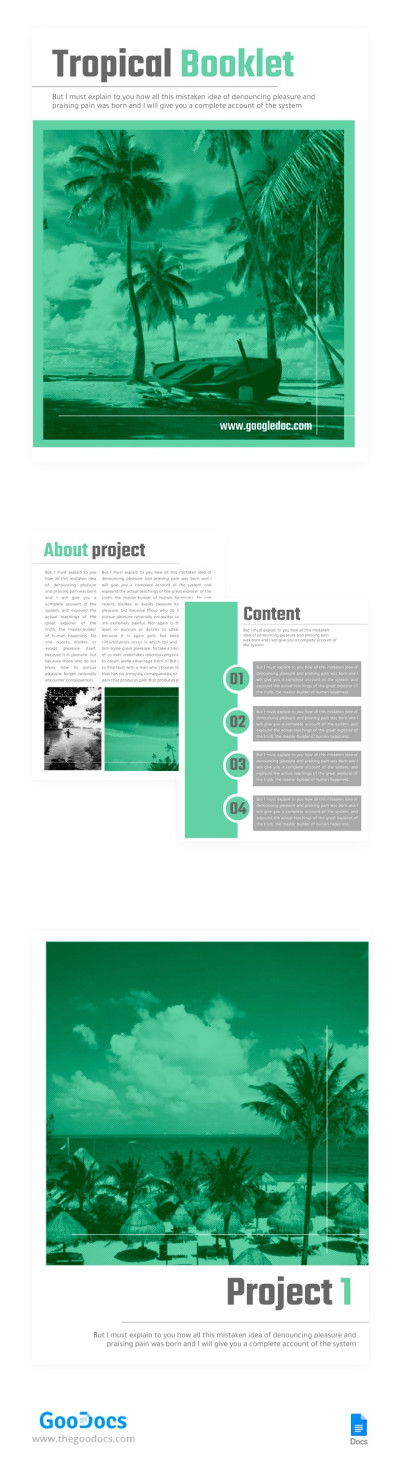
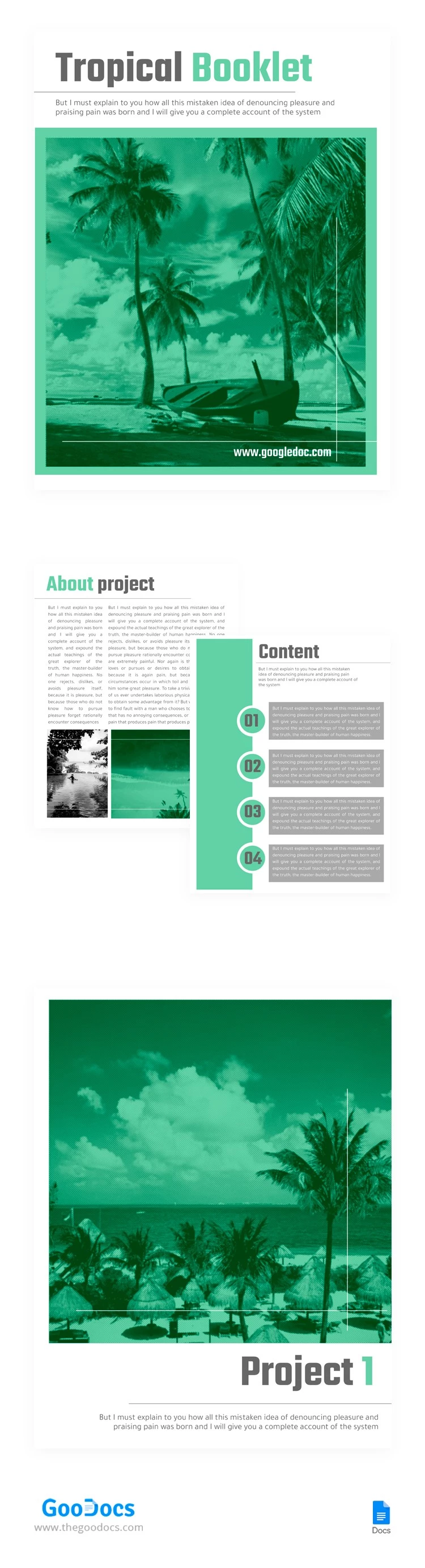
This free and open-source Tropical Booklet is a great way to promote any of your services. Pleasant to the eye and modern design in a tropical style suitable for any business and personal needs. Add text, relevant photos, or illustrations there. Work on setting up the template online, and offline in Google Docs. In addition, the template can be printed.
ADVERTISEMENT
Free Template
Download Free Template
Choose your platform and start editing right away
PLATFORM
PAPER SIZE
US Letter
No account required • Attribution required
WHAT’S INCLUDED
Modern design with tropical theme
Sections for content organization
Editable text and image slots
Printable and shareable format
Booklet Tips
Use high-quality images for a professional look
Customize color schemes to match your brand
Break content into clear sections for readability
Review and proofread before printing
FAQ
Is this template compatible with Google Docs?
Yes, it works seamlessly with Google Docs.
Can I edit this template in Microsoft Word?
Absolutely, it's fully compatible with Word.
Is the template free to use?
Yes, it is free and open-source.
How easy is it to customize?
Very easy—simply click and edit text and images.
What kind of projects is it best for?
Ideal for promoting tropical-themed services or events.
ADVERTISEMENT
How to Use and Edit This Template

Get Your Document
Click the "Edit Template" button to create your own editable copy in Google Docs or download for Microsoft Word

Customize Everything
Easily change colors, fonts, and layouts to match your unique style or brand identity

Add Your Content
Fill in your data, upload images, and replace the placeholder text with your own information

Print, Export, or Share
Print, export as PDF, or share instantly