ADVERTISEMENT
ADVERTISEMENT
Souvenir Booklet Ad Template
Use this free template with Google Slides and Microsoft PowerPoint
ADVERTISEMENT
Template Specification
Format
Google Slides
Created
July 11, 2024
Last Updated
October 31, 2026
Community
Added to collections by 7 Users
Usage Stats
20 downloads this month
About this template
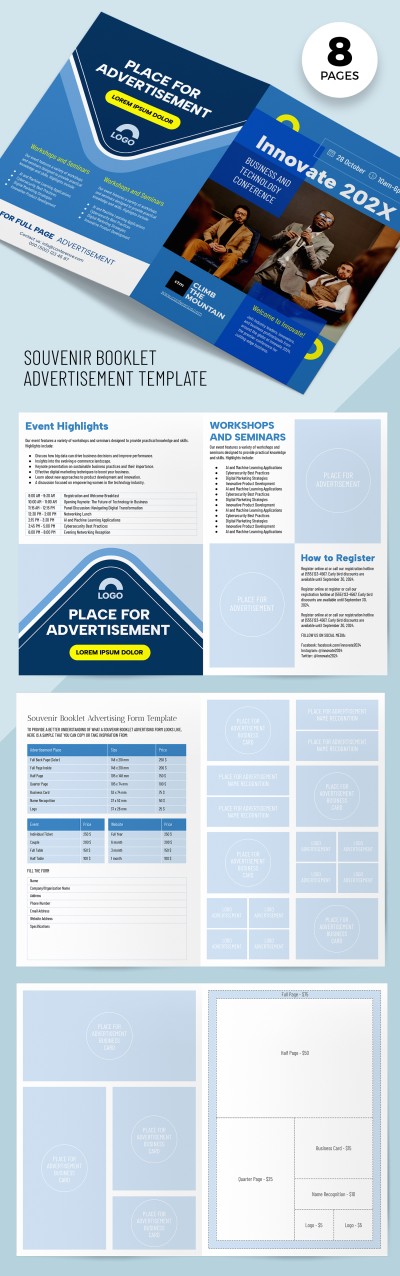
This Souvenir Booklet AD Template is perfect for business and technology conferences. It contains a structure to inform people about event highlights, schedules, and other details. Use it to advertise and get a return on investments!
Eight Pages Are Available for Free
Creating marketing or advertising materials based on this booklet is straightforward. Use a ready-made cover or replace the photo there, add the essential information (date, time, names of the best speakers, etc.), and use it.
Editable, Printable, and Easy-to-Use Tool
Our booklet consists of the following sections:
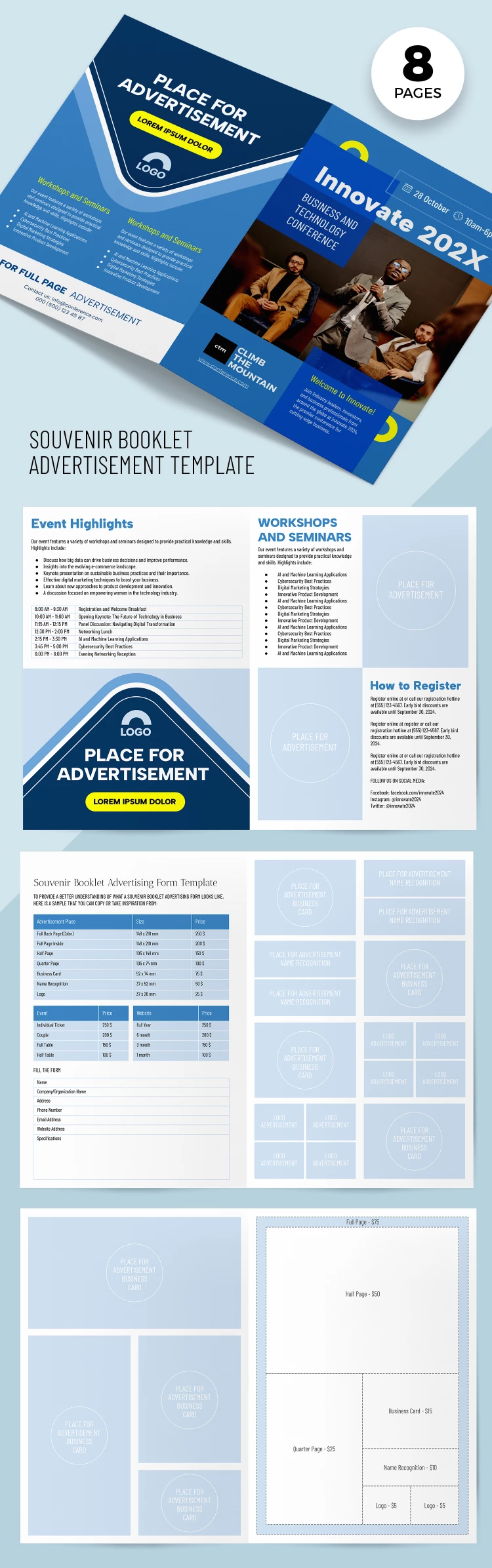
- Front page with placeholders for basic information.
- Event highlights sheet with schedule and place for advertising.
- "Workshop and seminars" and "how to register" sheet featuring two AD sections.
- Souvenir booklet advertisement form with promotion prices.
- Four separate sheets for promoting business cards, logos, and other business information.
Find booklet templates that will help you earn more!
ADVERTISEMENT
Free Template
Download Free Template
Choose your platform and start editing right away
PLATFORM
PAPER SIZE
A5
No account required • Attribution required
WHAT’S INCLUDED
Eight customizable pages for content and ads
Detailed event highlights and schedules
Dedicated sections for workshops and seminars
Advertisement form with promotional rates
Booklet Tips
Use high-quality images to enhance visual appeal.
Align text and graphics for a professional look.
Customize colors to match your brand identity.
Include social media links for broader exposure.
FAQ
Is this template compatible with PowerPoint?
Yes, it can be used in both Google Slides and PowerPoint.
How easy is it to customize?
Very easy—simply edit text, colors, and images.
Can I use my own images?
Yes, you can replace the placeholder images with your own.
Is the template free to download?
Yes, eight pages are available for free.
How do I ensure high print quality?
Save your final design in high resolution before printing.
ADVERTISEMENT
How to Use and Edit This Template

Get Your Document
Click the "Edit Template" button to create your own editable copy in Google Slides or download for Microsoft PowerPoint

Customize Everything
Easily change colors, fonts, and layouts to match your unique style or brand identity

Add Your Content
Fill in your data, upload images, and replace the placeholder text with your own information

Print, Export, or Share
Print, export as PDF, or share instantly