ADVERTISEMENT
ADVERTISEMENT
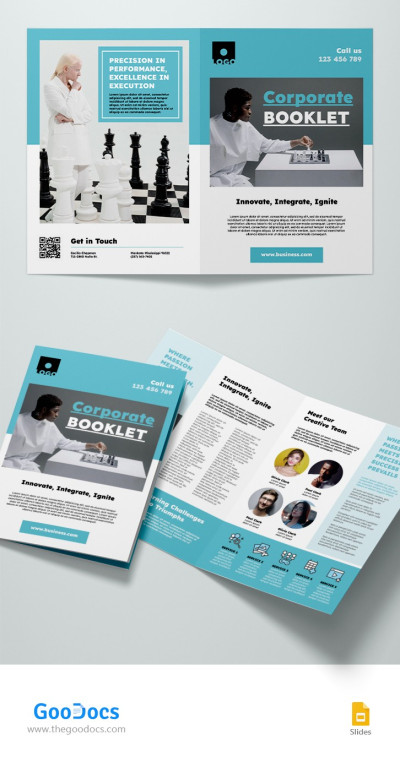
Google Slides Corporate Booklet Template
Use this free template with Google Slides and Microsoft PowerPoint
ADVERTISEMENT
Template Specification
Format
Google Slides
Created
January 7, 2024
Last Updated
October 31, 2026
Community
Added to collections by 4 Users
Usage Stats
7 downloads this month
About this template
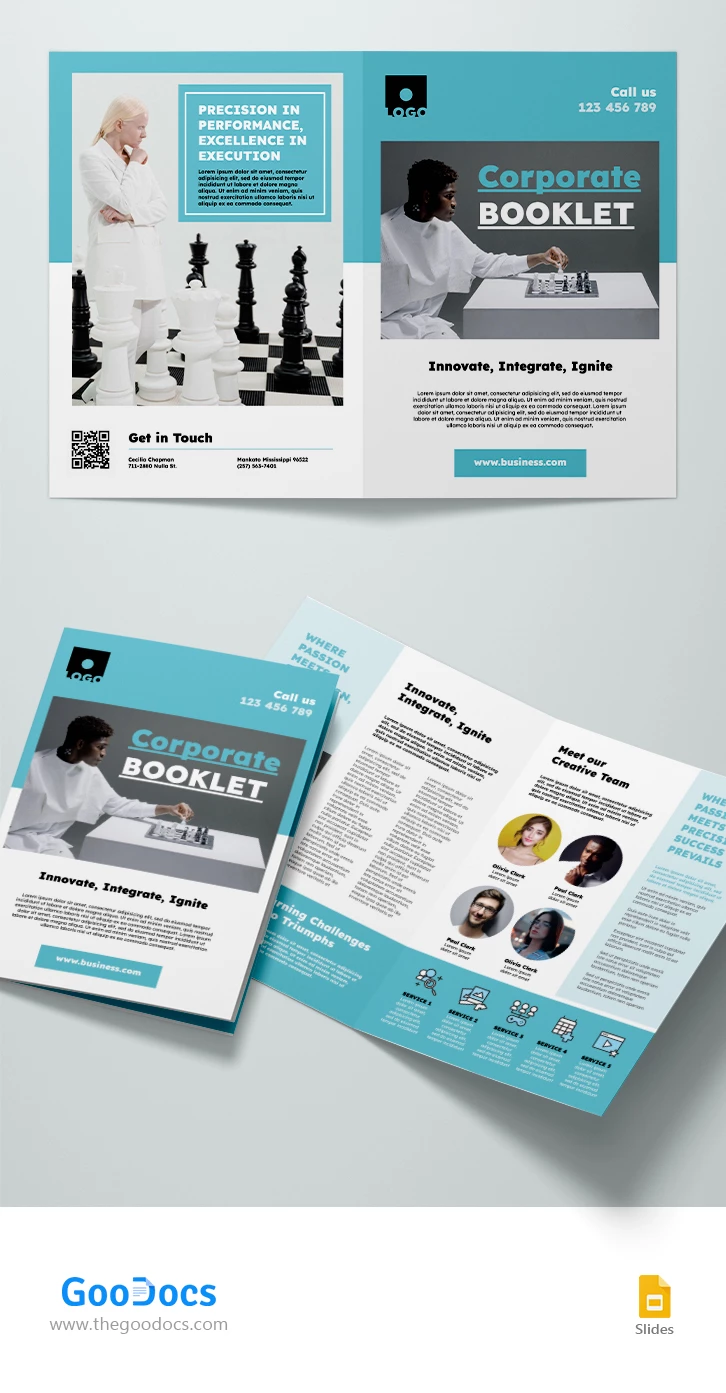
The Google Slides Corporate Booklet template in a refreshing turquoise and white color scheme is a sophisticated and professional solution for crafting visually appealing and informative corporate booklets. Tailored for seamless integration with Google Slides, this template offers a dynamic platform to showcase your company's achievements, goals, and services with a touch of elegance.
ADVERTISEMENT
Free Template
Download Free Template
Choose your platform and start editing right away
PLATFORM
PAPER SIZE
A4
No account required • Attribution required
WHAT’S INCLUDED
Two-page design with inner sections
Editable team introduction page
Dynamic text areas for content
High-quality image placeholders
Booklet Tips
Utilize image placeholders for impactful visuals.
Emphasize key achievements with bold headings.
Keep text concise for clarity and engagement.
Customize colors to match brand identity.
FAQ
Is the template compatible with Google Slides?
Yes, it is fully compatible with Google Slides.
Can I customize the layout?
Yes, the template is fully customizable.
Is this template free to download?
Yes, it is free for personal and commercial use.
Do I need any design skills?
No, it's user-friendly and easy to customize.
Can I use it for print and digital?
Yes, it's suitable for both print and digital formats.
ADVERTISEMENT
How to Use and Edit This Template

Get Your Document
Click the "Edit Template" button to create your own editable copy in Google Slides or download for Microsoft PowerPoint

Customize Everything
Easily change colors, fonts, and layouts to match your unique style or brand identity

Add Your Content
Fill in your data, upload images, and replace the placeholder text with your own information

Print, Export, or Share
Print, export as PDF, or share instantly