ADVERTISEMENT
ADVERTISEMENT
Article of Incorporation Template
Use this free template with Google Slides and Microsoft PowerPoint
ADVERTISEMENT
Template Specification
Format
Google Slides
Created
January 5, 2024
Last Updated
July 9, 2026
Community
Added to collections by 9 Users
Usage Stats
0 downloads this month
About this template
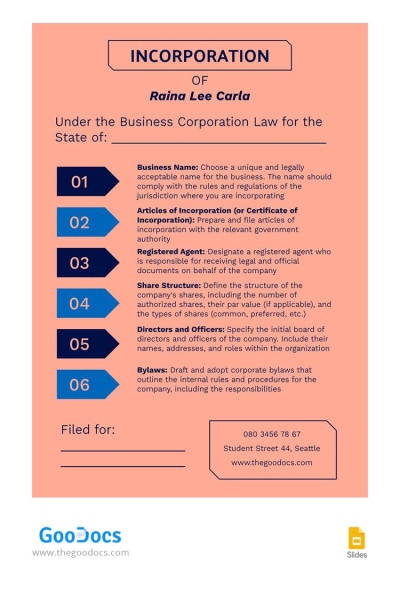
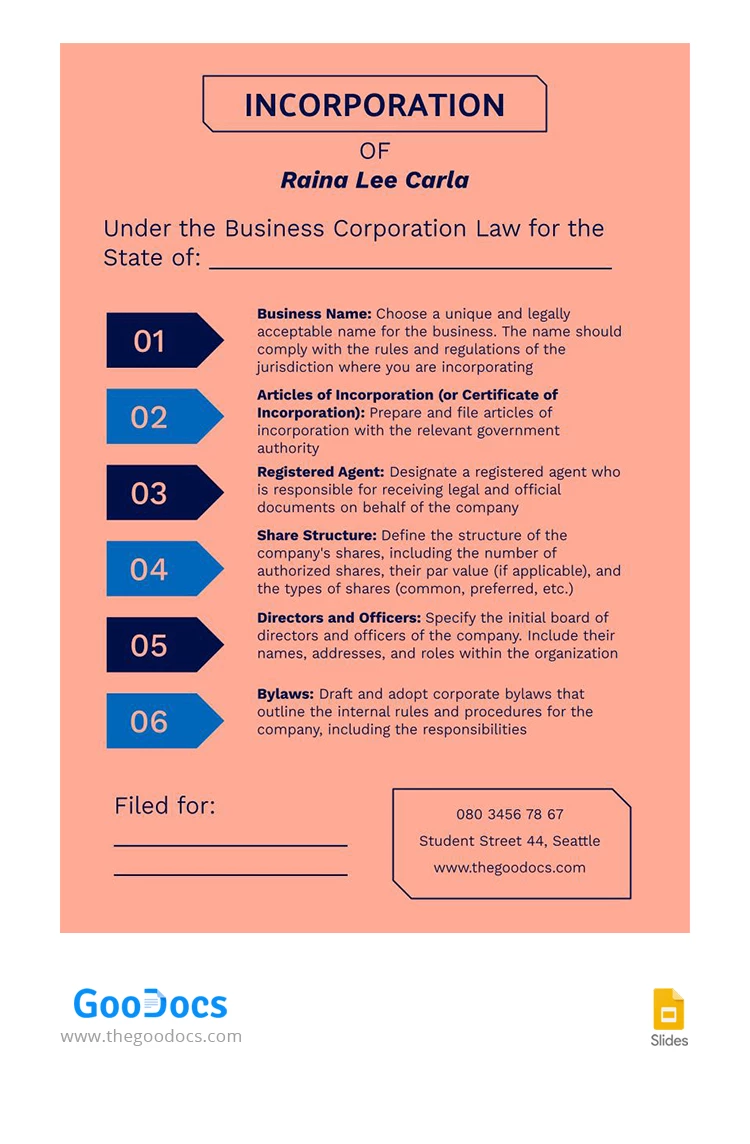
Introducing our Article of Incorporation Template! It is meticulously crafted to exude sophistication and convey a sense of corporate gravitas. The form features a tasteful pastel red color background, symbolizing both vitality and professionalism, while its immaculate structure ensures a seamless and comprehensive approach to articulating your company's foundational principles.
ADVERTISEMENT
Free Template
Download Free Template
Choose your platform and start editing right away
PLATFORM
PAPER SIZE
A4
No account required • Attribution required
WHAT’S INCLUDED
Detailed guideline sections for setup
Customizable fields for business details
Professional pastel red design
Clear, sequential incorporation steps
Article Tips
Fill in all sections for completeness.
Customize the template with your company's branding.
Regularly update information as your business grows.
Review legal requirements before submission.
FAQ
Is it compatible with Google Slides and PowerPoint?
Yes, it's designed for both platforms.
Is the template customizable?
Absolutely, adjust it to suit your business needs.
Is this template free to download?
Yes, it is free to download and use.
How easy is it to use?
It's user-friendly with clear instructions included.
What is the typical use of this template?
It structures and organizes company incorporation documents.
ADVERTISEMENT
How to Use and Edit This Template

Get Your Document
Click the "Edit Template" button to create your own editable copy in Google Slides or download for Microsoft PowerPoint

Customize Everything
Easily change colors, fonts, and layouts to match your unique style or brand identity

Add Your Content
Fill in your data, upload images, and replace the placeholder text with your own information

Print, Export, or Share
Print, export as PDF, or share instantly