Get unlimited access to 5000+ Templates for Google Docs, Slides and Sheets
Unlimited Access

Weekly Team Meeting Agenda Template

Use this free template with Google Docs and Microsoft Word
4.25 (1 reviews)
Last updated Updated June 30, 2026
Created by Vladimir Belyakin

Template Specification

Format Google Docs, Microsoft Word
Created August 13, 2024
Last Updated June 30, 2026
Community Added to collections by 14 Users
Usage Stats 2 downloads this month

About this template

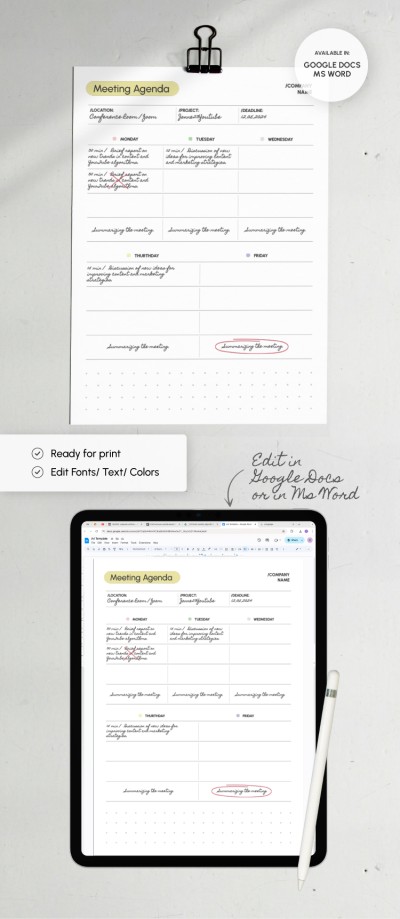
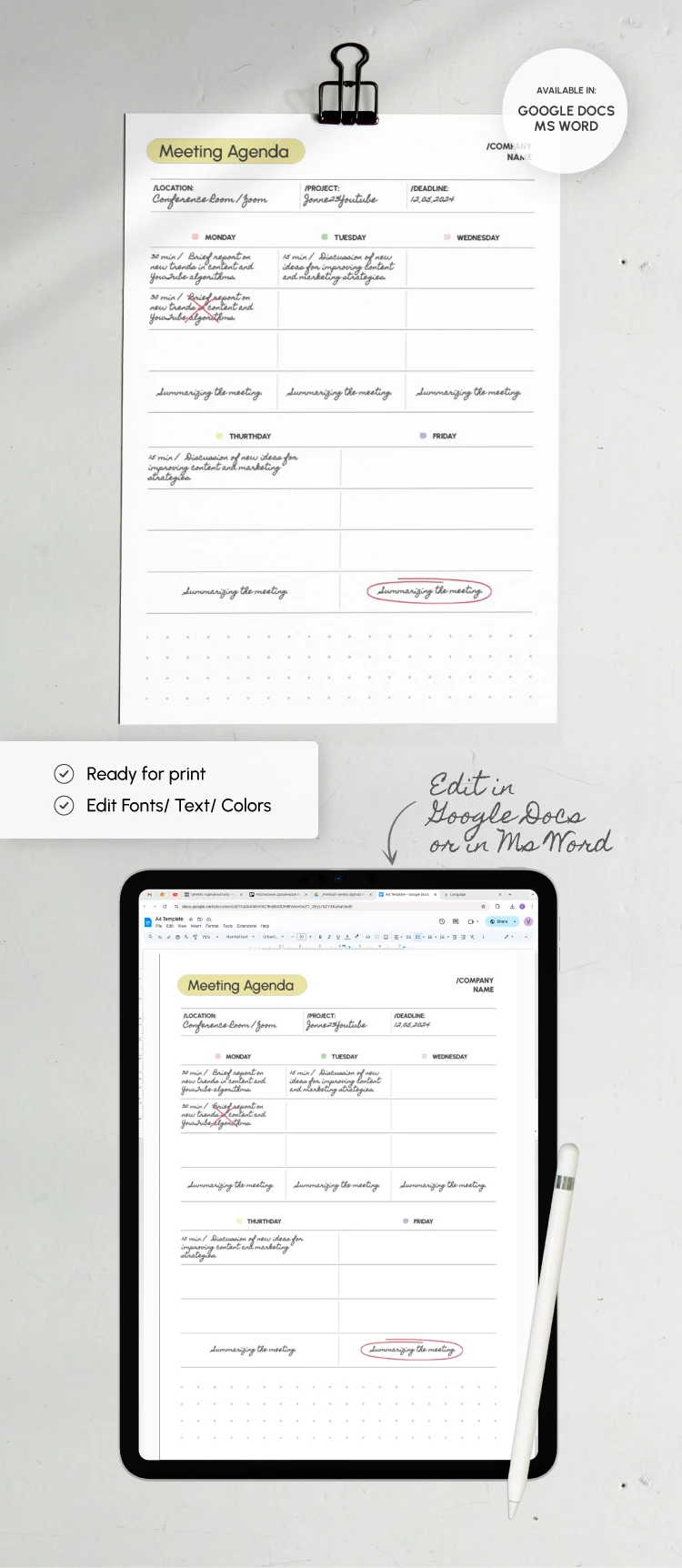
Do you want your weekly meetings to be as organized and effective as possible? Our Weekly Team Meeting Agenda Template will help achieve the desired result. Distribute tasks and priorities for the team and be sure of strict adherence to deadlines and optimized processes!

No Frills Simple Design

The design of our weekly team meeting agenda is simple and formal. It focuses on essential tasks and does not interfere with concentrating on what really matters.

Optimized Structure

This blank is divided into many sections, including:

  • A header where you can add the company name, meeting location, project, and deadline.
  • The main table that can accommodate tasks for each day of the week from Monday to Friday.
  • Additional space for notes during communication with colleagues, brainstorming, etc.

The best thing is that our template is 100% editable and printable. You can customize it in Google Docs and Word formats - no special skills are required. You can also find the weekly team meeting agenda template in Excel and other formats on our website.

Free Template

Download Free Template

Choose your platform and start editing right away
PLATFORM

Google Docs

Opens in browser

Microsoft Word

.docs
PAPER SIZE
A4
Google Docs – A4
No account required • Attribution required

WHAT’S INCLUDED

Editable headers for meeting details
Daily task scheduling blocks
Note space for brainstorming
Summarization section for each meeting

Agenda Tips

1
Fill in meeting details ahead of time
2
Use color codes for task priority
3
Regularly update to track progress
4
Summarize meetings for actionable insights

FAQ

Is the template compatible with Google Docs? Yes, it is fully compatible with Google Docs and Microsoft Word.
Can I customize the template easily? Absolutely, you can edit fonts, text, and colors effortlessly.
Is this template free to download? Yes, you can download it for free from our website.
Do I need special skills to use this? No, it's user-friendly and requires no special skills.
Does it include a space for notes? Yes, there is additional space for notes and ideas.
ADVERTISEMENT

How to Use and Edit This Template

Get Your Document

1

Get Your Document

Click the "Edit Template" button to create your own editable copy in Google Docs or download for Microsoft Word
Customize Everything
2

Customize Everything

Easily change colors, fonts, and layouts to match your unique style or brand identity
Add Your Content
3

Add Your Content

Fill in your data, upload images, and replace the placeholder text with your own information
Print, Export, or Share
4

Print, Export, or Share

Print, export as PDF, or share instantly

Related Templates

Recently Viewed