
ADVERTISEMENT
ADVERTISEMENT
Cute Board Meeting Agenda Template
Use this free template with Google Slides and Microsoft PowerPoint
4.42 (2 reviews)
•
Last updated
Updated
October 10, 2026
•
Created by
Elijah Johnson
ADVERTISEMENT
Template Specification
Format
Google Slides, Microsoft PowerPoint
Created
February 2, 2022
Last Updated
October 10, 2026
Community
Added to collections by 2 Users
Usage Stats
0 downloads this month
About this template
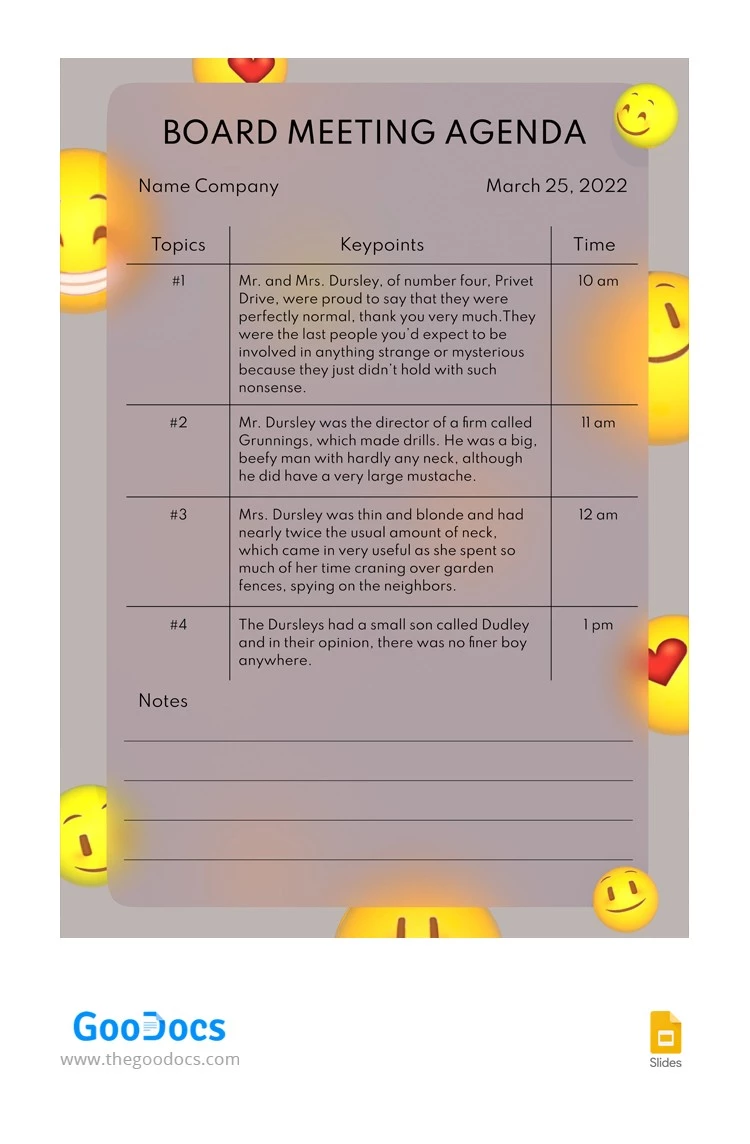
A meeting agenda is not just a black and white piece of paper. It can have a stunning design that makes everyone who gets such an agenda happy about coming to the meeting. Lots of cute smiles on our template will allow you to welcome everyone who comes to the event and make these people smile right away. Try it and you will not regret it.
ADVERTISEMENT
Free Template
Download Free Template
Choose your platform and start editing right away
PLATFORM
PAPER SIZE
A4
US Letter
No account required • Attribution required
WHAT’S INCLUDED
Simple layout with topic sections
Timely agenda with key points
Customizable text fields and notes
Bright, cheerful emoji design elements
Agenda Tips
Customize key points to fit your meeting topics.
Use emojis to add a fun, casual touch.
Adjust time slots as per your schedule.
Add extra notes for follow-up actions.
FAQ
Is this template compatible with Google Slides and PowerPoint?
Yes, you can use it with both platforms.
Is the agenda template easy to customize?
Yes, it features editable text fields and design elements.
Can I download this template for free?
Yes, it's available for free download.
How can I add my company logo?
Insert your logo into the slide, resizing as needed.
What makes this agenda unique?
The playful emoji design adds a cheerful touch.
ADVERTISEMENT
How to Use and Edit This Template

Get Your Document
Click the "Edit Template" button to create your own editable copy in Google Slides or download for Microsoft PowerPoint

Customize Everything
Easily change colors, fonts, and layouts to match your unique style or brand identity

Add Your Content
Fill in your data, upload images, and replace the placeholder text with your own information

Print, Export, or Share
Print, export as PDF, or share instantly
