Bright Workshop Agenda Template
Use this free template with Google Slides and Microsoft PowerPoint
Template Specification
About this template
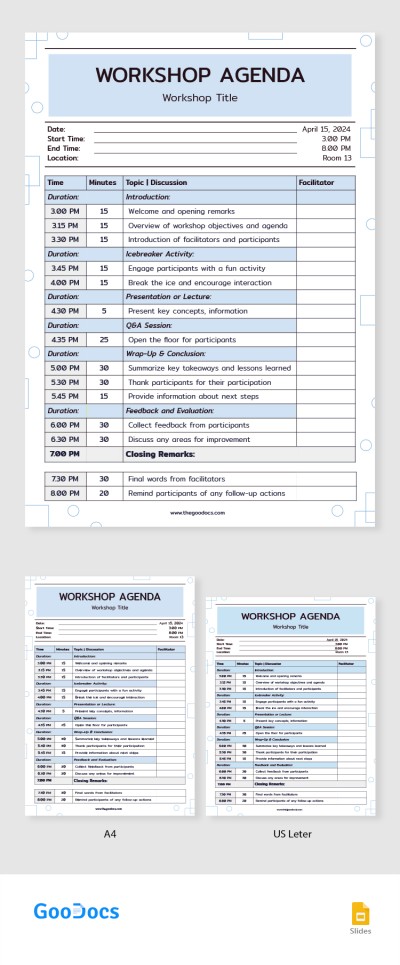
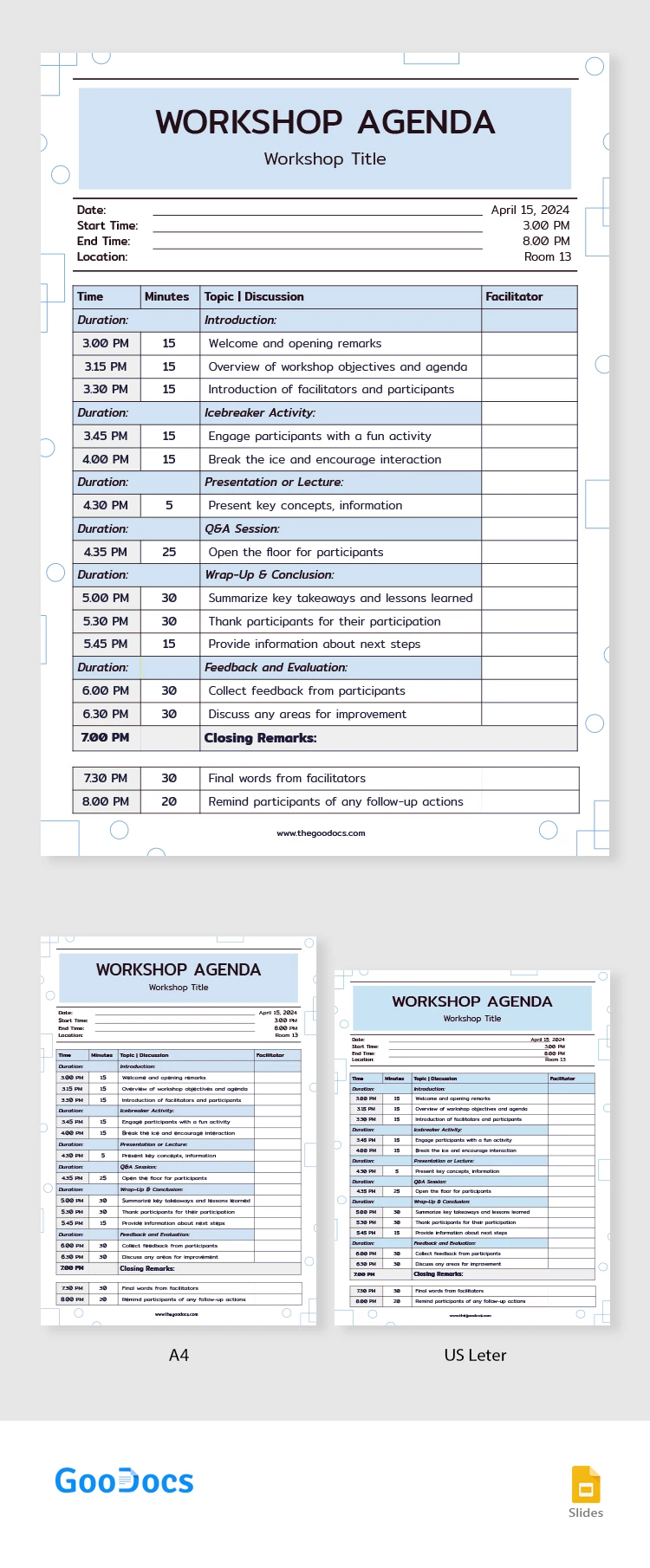
We are excited to introduce our free Bright Lime Workshop Agenda Template in Google Slides! It is an amazing template for effective communication! It is packed with features such as a fillable header with essential details, a well-structured agenda table, and the convenience of being editable from any device. So, let’s take a closer look!
- Fillable Header
Our printable workshop agenda template begins with a strong header section that allows you to input essential contact details, such as your organization's name, email, and phone number. Additionally, there is ample space for adding any other essential data.
- Grey and Yellow Theme for a Pleasant Experience
The soft colors create a welcoming atmosphere, fostering a positive learning environment for participants. The well-structured layout further enhances the readability and organization of the agenda, making it easy for participants to follow the schedule and topics being covered.
- Fillable Workshop Agenda Template
This flexibility enables organizers or participants to easily update and customize the agenda to suit specific training topics or adjust the schedule as necessary. Share this template from any device and trace any changes and comments.
So, do you like this template? Download it for free and customize it from any device.
We also encourage checking our agenda templates for daily, and weekly planning designed for your convenience.
Download Free Template
WHAT’S INCLUDED
Agenda Tips
FAQ
How to Use and Edit This Template

Get Your Document

Customize Everything

Add Your Content