Weekly Bill Tracker Template
Use this free template with Google Sheets and Microsoft Excel
Template Specification
Key Features of This Template
About this template
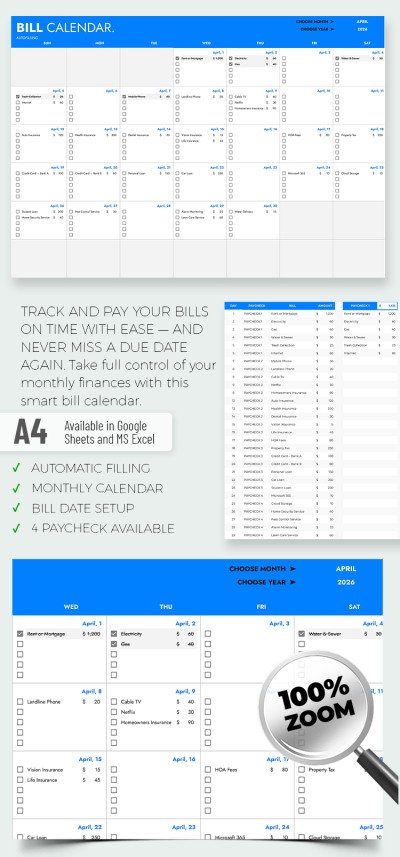
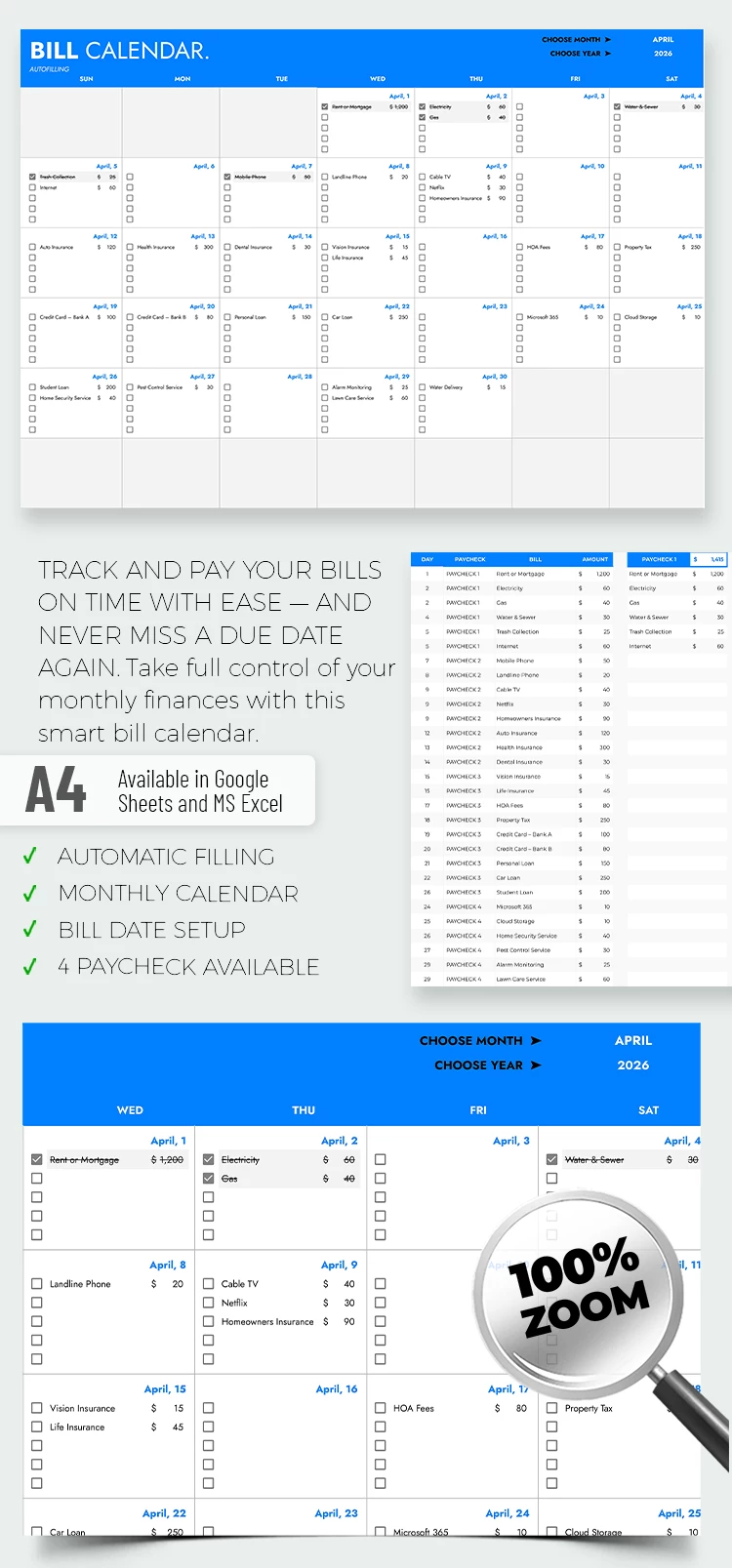
Do you always forget to pay your bills? Many people face this problem because keeping everything in their heads is hard. Our Weekly Bill Tracker Template is a handy and clear tool to help you put your expenses day by day in order and avoid missing something.
Visual Excellence
It looks neat: pleasant neutral colors, a clear table, and a clean layout. There is no clutter, just the required columns to enter the invoice, date, sum, and mark if paid or not. This design sets you up for calm and organized work.
Ease of Editing
The template is user-friendly and fully editable in Google Sheets and Excel. Do you want to add more lines, change captions, or colors? No problem. Even if you've never applied such trackers, you'll customize them in a few minutes. By the way, our yearly budget template bundle provides more space for money tracking.
Target Audience
This template helps you avoid late fees, fines, and unnecessary worries. It is especially popular if you:
- Do home accounting.
- Live with roommates and share bills.
- Are freelancers with irregular income.
User-friendly, visually pleasing, and completely free, it presents your family's financial landscape. Tracking your bills will become a habit with a bill spreadsheet. Financial order has never been easier!
Download Free Template
WHAT’S INCLUDED
Budget Tips
FAQ
How to Use and Edit This Template

Get Your Document

Customize Everything

Add Your Content