Fundraising Event Budget Template
Use this free template with Google Sheets and Microsoft Excel
Template Specification
About this template
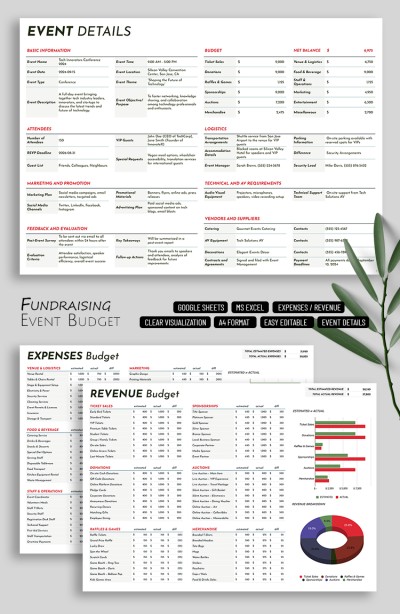
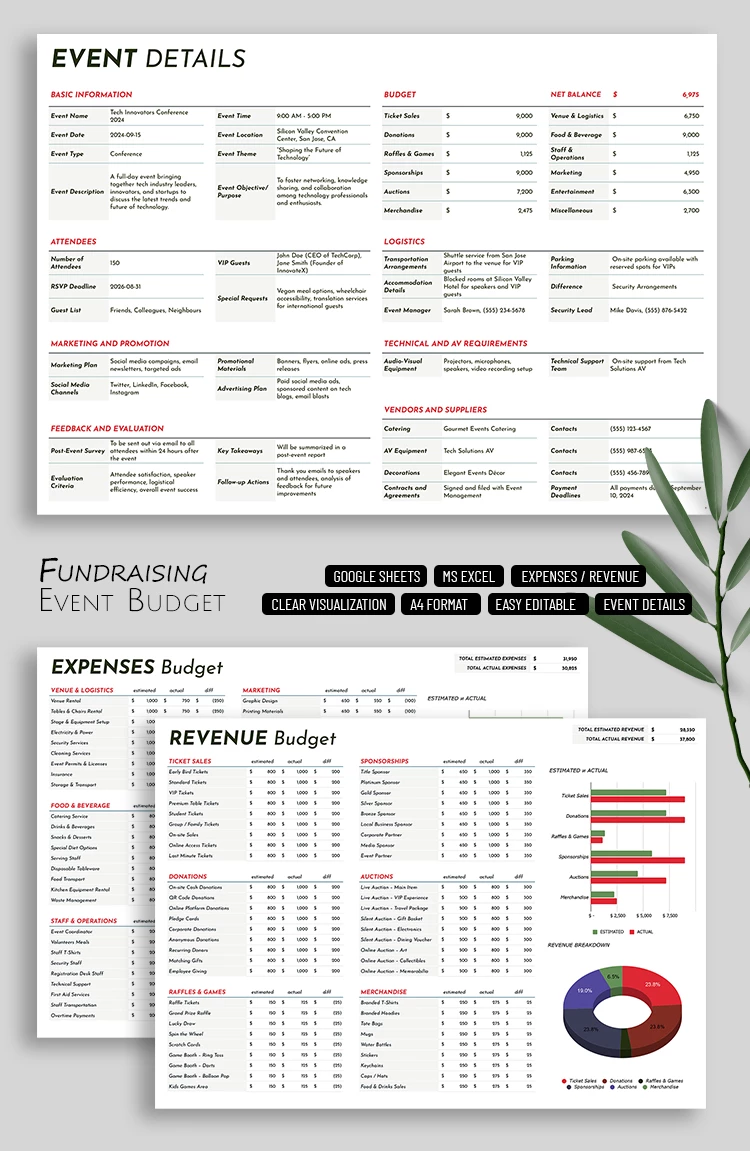
Plan the budget for your campaign with a ready-to-fill Fundraising Event Budget Template featuring a convenient and practical structure. Our Google Sheets and Excel budget template consists of three sheets available in a single file. This allows you to record all event details, planned and actual revenue, and expenses.
Plan Donation Revenues, Ticket Sales, and More
You can use the template immediately after downloading or receiving a copy. First, fill out the event details sheet, where you can specify everything related to your event, including the title, date, type, description, number of guests, marketing plan, logistics, and more.
Then, use the expenses and revenue sheets to organize your finances during the planning stage:
- Enter your planned expense categories and revenue sources.
- Input the estimated budget before the event and add the actual amounts afterward.
- Get automatic calculations of the difference between your planned and actual numbers, totals, and a comparison chart for all categories.
The event details sheet also automatically displays data from the other two sheets, including the overall budget, top income categories, and the final balance. Start customizing our event budget template on any device for free now. More options are available at the link.
Download Free Template
WHAT’S INCLUDED
Budget Tips
FAQ
How to Use and Edit This Template

Get Your Document

Customize Everything

Add Your Content