ADVERTISEMENT
ADVERTISEMENT
Makeup Article Template
Use this free template with Google Slides and Microsoft PowerPoint
4.33 (2 reviews)
•
Last updated
Updated
October 17, 2026
•
Created by
Mason Taylor
ADVERTISEMENT
Template Specification
Format
Google Slides
Created
January 16, 2022
Last Updated
October 17, 2026
Community
Added to collections by 5 Users
Usage Stats
2 downloads this month
About this template
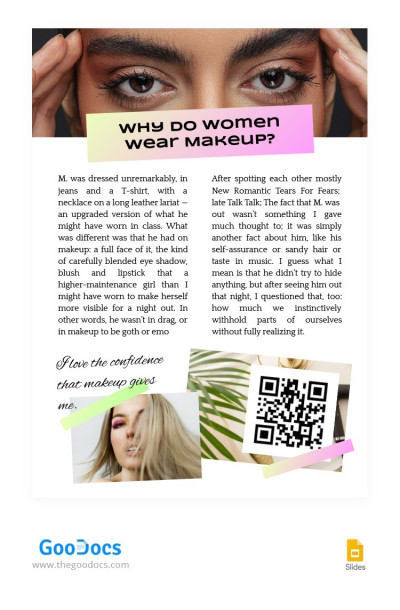
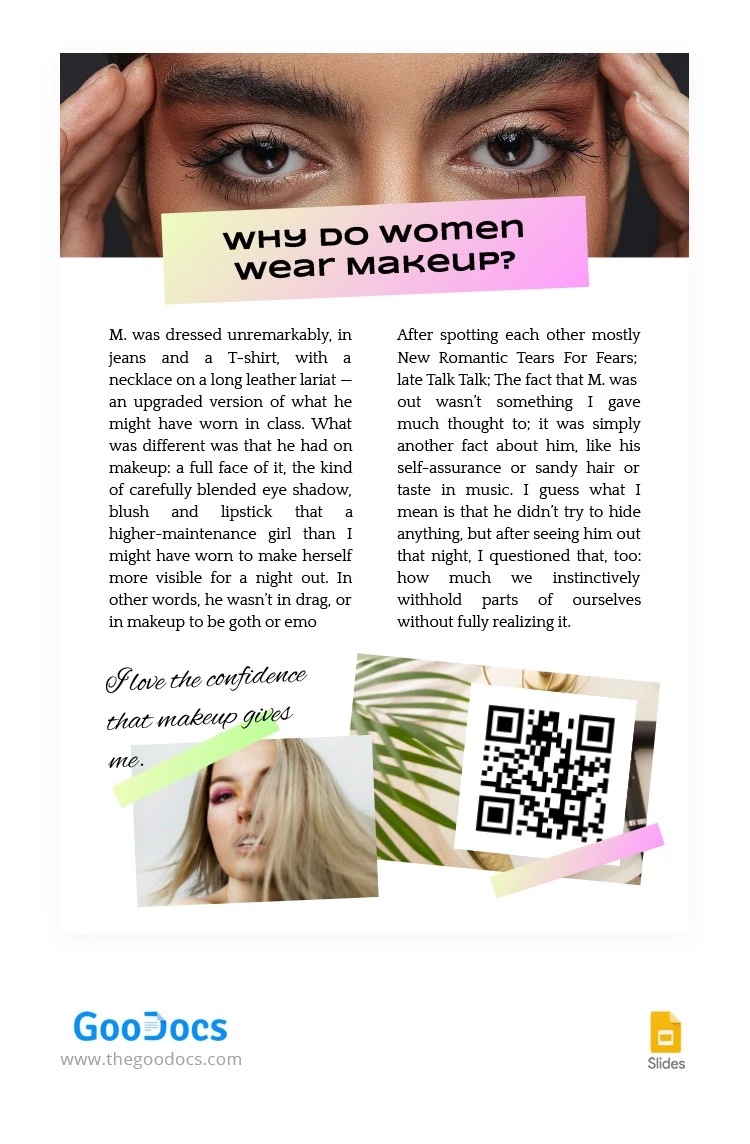
If you want to present yourself as a makeup expert and write an article about it, don't miss the opportunity to use our fabulous template. We selected super stylish images and combined them with really nice fonts to make the layout exceptional. If you like the creation of our designers, get it for free right now and publish your article on it.
ADVERTISEMENT
Free Template
Download Free Template
Choose your platform and start editing right away
PLATFORM
PAPER SIZE
A4
US Letter
No account required • Attribution required
WHAT’S INCLUDED
Beautifully designed stylish images
Customizable text and fonts
Ready-to-use article layout
Insert and edit QR codes easily
Article Tips
Choose complementary colors to enhance your content.
Add personal images to make it unique.
Use different fonts to emphasize key points.
Include social media links via QR codes.
FAQ
Is this template compatible with PowerPoint?
Yes, you can use it in PowerPoint and Google Slides.
Is the template easy to use?
Absolutely, it's designed for simplicity and efficiency.
Can I customize the template?
Yes, you can personalize images, text, and layout.
Is this template free to download?
Yes, the template is free to download.
How can I incorporate QR codes?
Insert QR codes with ease using this template.
ADVERTISEMENT
How to Use and Edit This Template

Get Your Document
Click the "Edit Template" button to create your own editable copy in Google Slides or download for Microsoft PowerPoint

Customize Everything
Easily change colors, fonts, and layouts to match your unique style or brand identity

Add Your Content
Fill in your data, upload images, and replace the placeholder text with your own information

Print, Export, or Share
Print, export as PDF, or share instantly