ADVERTISEMENT
ADVERTISEMENT
Elegant Article Summary Template
Use this free template with Google Slides and Microsoft PowerPoint
ADVERTISEMENT
Template Specification
Format
Google Slides, Microsoft PowerPoint
Created
July 17, 2024
Last Updated
October 31, 2026
Community
Added to collections by 11 Users
Usage Stats
4 downloads this month
About this template
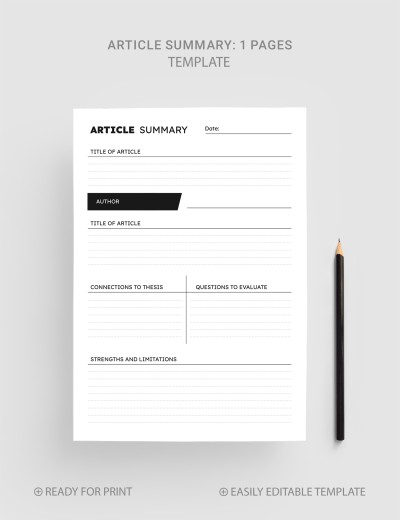
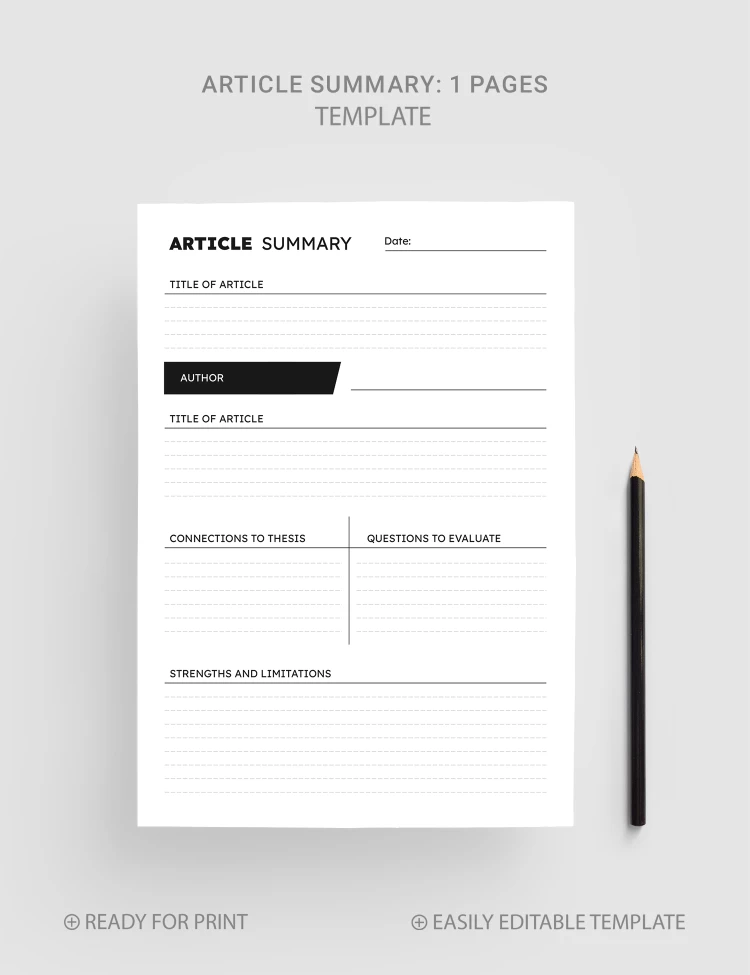
The Elegant Article Summary Template features a modern design and two-page designs for your text. A professionally prepared structure and simple layout will make your task easier and help you format the content correctly!
Elegant Design Without Frills
You can use two sheets with the same structure. They differ in the layout format: the first form includes a lined background, and the second provides a white one. Otherwise, both designs are identical, and you can select the most convenient option.
Professional Template Structure
This article summary template features such sections:
- Header with a title and date.
- Title of article and author's name.
- Connection to thesis and questions to evaluate.
- Strengths and limitations.
Using this example, you can create a summary that emphasizes the book's essense. Find more article templates on our website.
ADVERTISEMENT
Free Template
Download Free Template
Choose your platform and start editing right away
PLATFORM
PAPER SIZE
A4
No account required • Attribution required
WHAT’S INCLUDED
Header section with title and date
Space for article title and author
Sections for thesis and evaluation
Area for strengths and limitations
Article Tips
Fill out the template as you read.
Summarize key points in your own words.
Compare the connections to your thesis.
Identify strengths and weaknesses critically.
FAQ
Is this template free?
Yes, you can download and use it for free.
Can I customize the sections?
Yes, it's fully customizable for your needs.
Is it compatible with PowerPoint?
Yes, it's compatible with both Google Slides and PowerPoint.
Do I need design skills to use it?
No, the template is user-friendly and easy to fill out.
Does it support multiple pages?
Yes, it includes two-page layout options.
ADVERTISEMENT
How to Use and Edit This Template

Get Your Document
Click the "Edit Template" button to create your own editable copy in Google Slides or download for Microsoft PowerPoint

Customize Everything
Easily change colors, fonts, and layouts to match your unique style or brand identity

Add Your Content
Fill in your data, upload images, and replace the placeholder text with your own information

Print, Export, or Share
Print, export as PDF, or share instantly