ADVERTISEMENT
ADVERTISEMENT
Start-Up Agreement Template
Use this free template with Google Docs and Microsoft Word
4.47 (2 reviews)
•
Last updated
Updated
September 12, 2026
ADVERTISEMENT
Template Specification
Format
Google Docs
Created
September 14, 2023
Last Updated
September 12, 2026
Community
Added to collections by 6 Users
Usage Stats
0 downloads this month
About this template
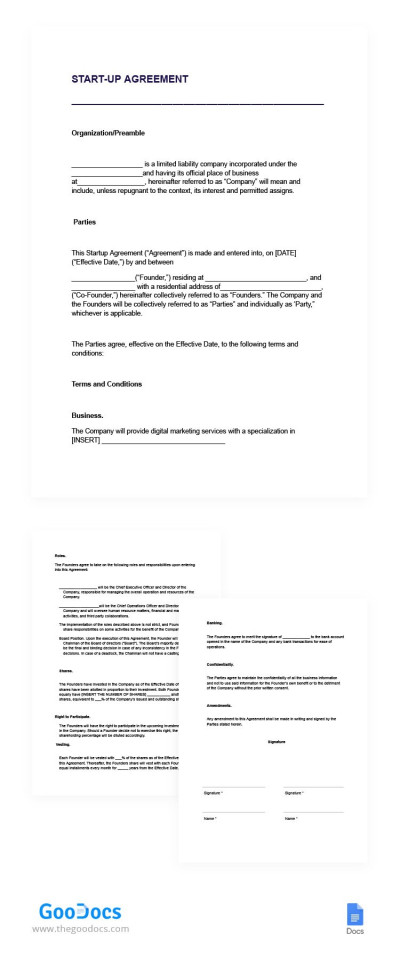
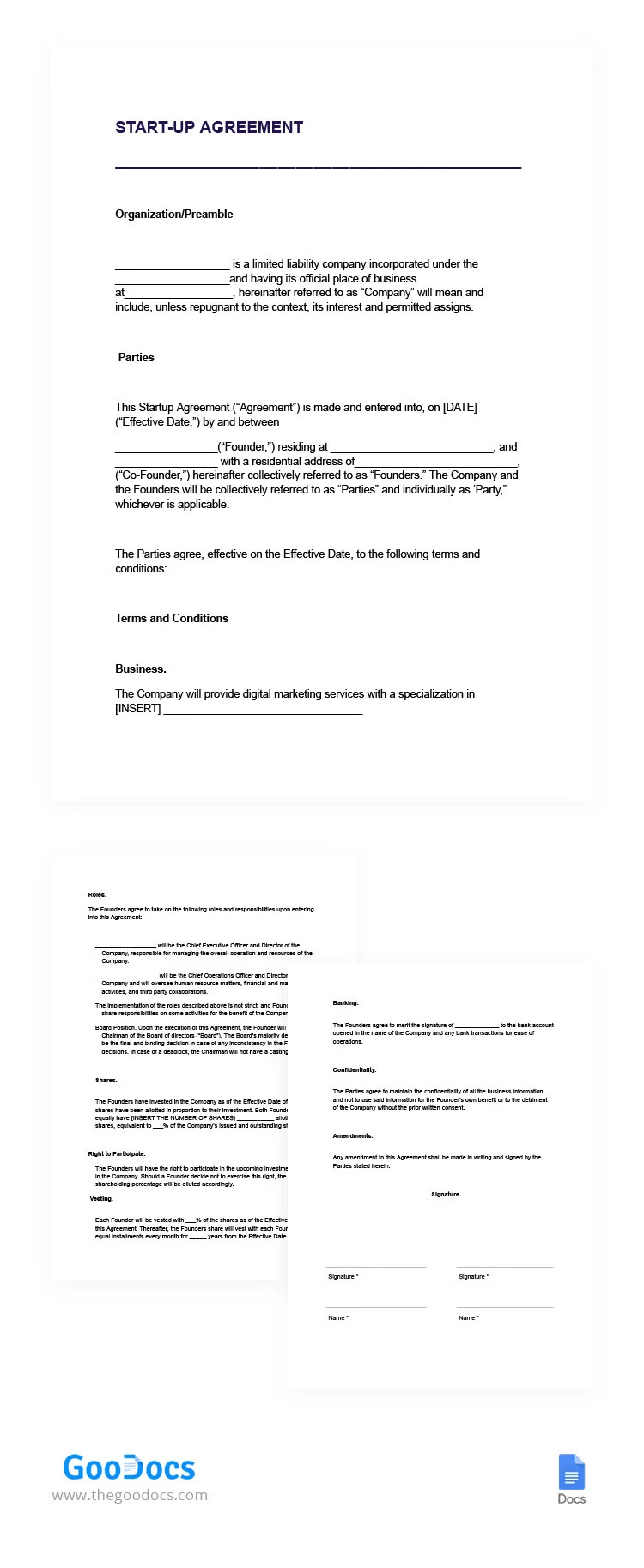
Setting the foundation for your startup? Our Start-Up Agreement Template in Google Docs provides a comprehensive framework for outlining terms and agreements with partners, investors, and stakeholders. Lay the groundwork for success with confidence.
ADVERTISEMENT
Free Template
Download Free Template
Choose your platform and start editing right away
PLATFORM
PAPER SIZE
US Letter
No account required • Attribution required
WHAT’S INCLUDED
Editable organization and preamble sections
Comprehensive terms and conditions outline
Roles and responsibilities definition
Confidentiality and amendment clauses
Agreement Tips
Clearly define roles to prevent misunderstandings.
Regularly update terms to reflect business changes.
Include all relevant business specifics in detail.
Ensure all parties carefully review before signing.
FAQ
Is this template compatible with Google Docs and Microsoft Word?
Yes, it is compatible with both platforms for easy editing.
Is this template easy to customize?
Yes, each section provides customizable fields to suit your needs.
Is this template free to download?
Yes, downloading and using this template is completely free.
Do I need technical skills to use this?
No, it is user-friendly and suitable for all experience levels.
Can I add more sections if needed?
Yes, you can add sections to better fit your business needs.
ADVERTISEMENT
How to Use and Edit This Template

Get Your Document
Click the "Edit Template" button to create your own editable copy in Google Docs or download for Microsoft Word

Customize Everything
Easily change colors, fonts, and layouts to match your unique style or brand identity

Add Your Content
Fill in your data, upload images, and replace the placeholder text with your own information

Print, Export, or Share
Print, export as PDF, or share instantly