ADVERTISEMENT
ADVERTISEMENT
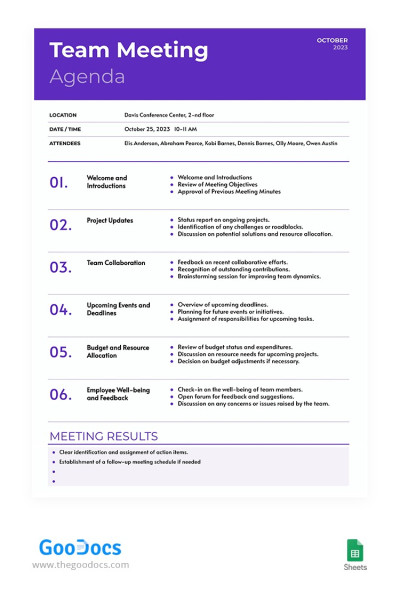
Professional Team Meeting Agenda Template
Use this free template with Google Sheets and Microsoft Excel
4.25 (1 reviews)
•
Last updated
Updated
October 3, 2026
•
Created by
Kristina
ADVERTISEMENT
Template Specification
Format
Google Sheets
Created
December 6, 2023
Last Updated
October 3, 2026
Community
Added to collections by 70 Users
Usage Stats
112 downloads this month
About this template
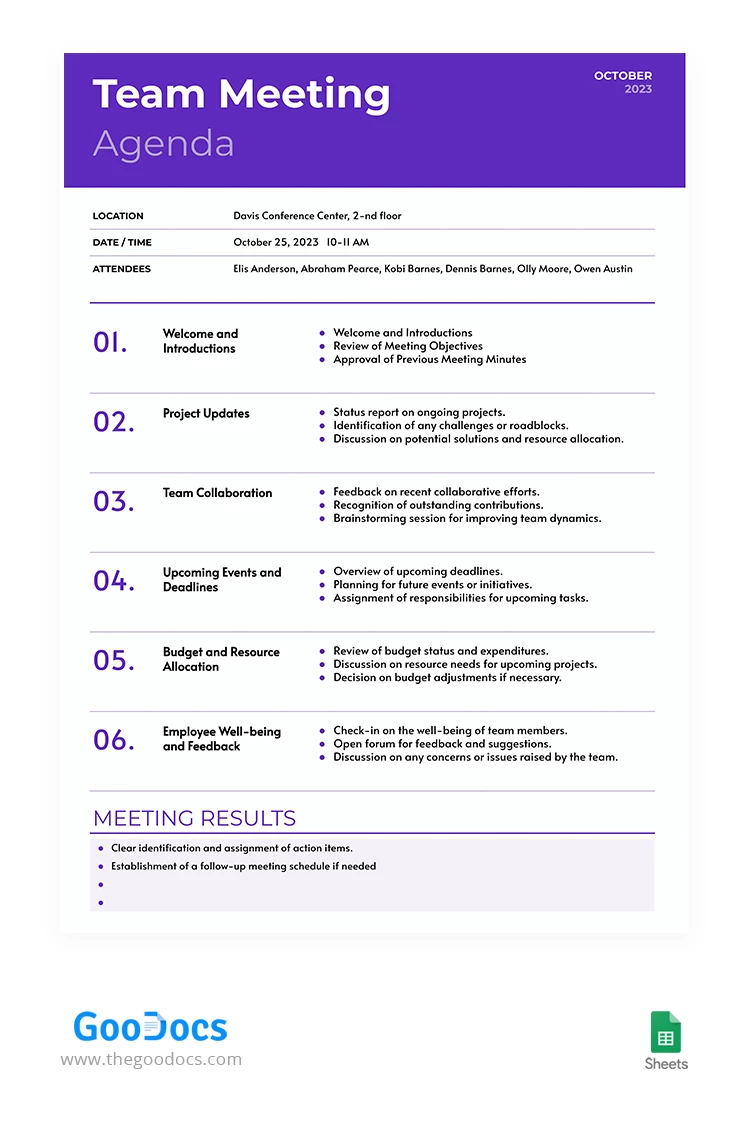
Optimize your meeting efficiency with our Professional Team Meeting Agenda template. This no-frills approach to agenda design ensures a focused discussion. Elevate your meetings from mundane to productive, using this agenda meeting template as your compass for structured and purposeful discussions.
ADVERTISEMENT
Free Template
Download Free Template
Choose your platform and start editing right away
PLATFORM
PAPER SIZE
A4
No account required • Attribution required
WHAT’S INCLUDED
6 detailed agenda sections
Easy-to-edit customizable layout
Focus on action items and outcomes
Designed for Google Sheets and Excel
Agenda Tips
Customize section titles to fit your meeting needs.
Use the feedback section for team improvement ideas.
Regularly update project status for clarity.
Assign responsibilities during the meeting for accountability.
FAQ
Is this template compatible with Google Sheets?
Yes, it's compatible with Google Sheets and Excel.
How easy is it to use?
It's straightforward with pre-defined sections ready for use.
Can I customize this template?
Yes, you can easily customize any part of the agenda.
Is this template free?
Yes, it’s free to download and use.
What is unique about this template?
It features a dedicated section for team feedback and collaboration.
ADVERTISEMENT
How to Use and Edit This Template

Get Your Document
Click the "Edit Template" button to create your own editable copy in Google Sheets or download for Microsoft Excel

Customize Everything
Easily change colors, fonts, and layouts to match your unique style or brand identity

Add Your Content
Fill in your data, upload images, and replace the placeholder text with your own information

Print, Export, or Share
Print, export as PDF, or share instantly