Multicolor Team Meeting Agenda Template
Use this free template with Google Sheets and Microsoft Excel
Template Specification
About this template
Introducing our Multicolor Exclusive Team Meeting Agenda template for Google Sheets. With this tool, you can elevate your formal meetings to new heights. The template merges functionality with aesthetics. It offers a seamless experience for planning and executing your team gatherings.
Benefits of this team meeting agenda template:
- Efficient organization of meeting notes and details. Anyone can input and organize essential meeting data. An editable template makes it easy to include date, start and end times, location, and meeting title.
- Streamlined speaker information. The dynamic table for speakers organizes information about each presenter. It helps participants to understand the agenda sequence, timing, and topics.
- Clear agenda communication. Users can provide a clear and concise agenda to participants. Ensure everyone is on the same page regarding the meeting's objectives.
- Better preparation for any type of gathering. Participants can prepare effectively by reviewing speaker details, speech durations, and topics in advance.
- Professional visual design. The elegant design with a soft pink color palette and blue elements adds a professional touch to your meetings.
Optimized Structure for a Free Meeting Agenda Template
- Header section for comprehensive details.
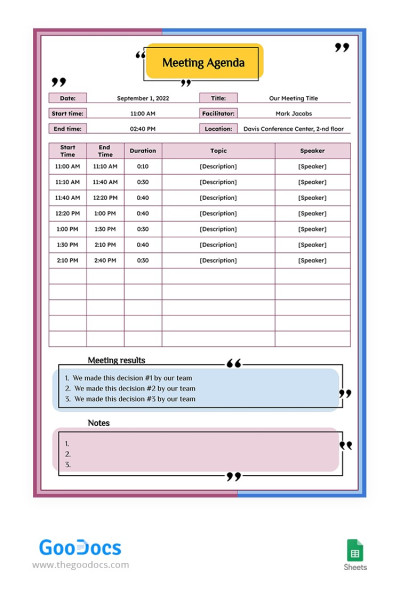
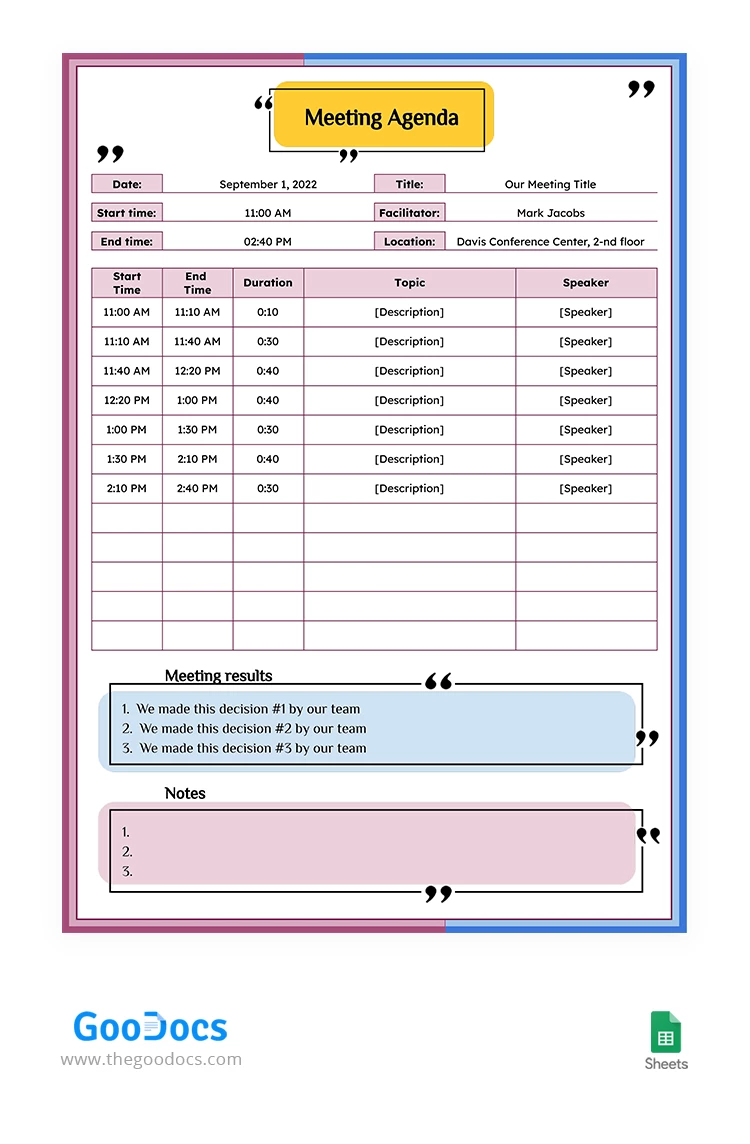
A heading section leads the template at the top. It allows users to input date, expeditor, start and end time, meeting goal, and title. So, participants can have a quick overview of the meeting logistics. It sets the tone for a structured and efficient session.
- Dynamic table for speaker information.
The heart of this simple meeting agenda lies in its dynamic table which provides a clear snapshot of the agenda. The user can fill in details about each speaker. It includes their name, the start and end time of their speech, the duration, and the specific topic. This feature fosters transparency and enables participants to anticipate and prepare for each agenda item.
- Structure blocks for meeting results and notes.
At the bottom of this effective meeting agenda template, two designated structure blocks await the user. Team members can capture essential meeting outcomes and take detailed notes. This inclusion allows for easy documentation and post-meeting follow-up. With the results and purpose of the meeting, this template becomes a valuable resource beyond the meeting room.
- Elegant design with a soft pink palette.
The template stands out with its elegant design. It features a soft pink color palette that exudes professionalism and sophistication. Complemented by strategic blue elements, the design enhances visual appeal and ensures clarity and ease of navigation. The cohesive color scheme creates a harmonious atmosphere to set the stage for a focused and productive meeting.
Get a Free Copy of Our Team Meeting Agenda
Are you ready to set up an efficient organization of meeting details and streamlined speaker information? This template in Google Sheets ensures that you create a meeting agenda that will make your team productive and well-organized.
Take the next step towards more organized and productive team meetings. Edit our Multicolor Team Meeting Agenda template in Google Sheets and face the difference. Do not hesitate to explore our agenda templates collection. Make the teamwork even more flawless.
Download Free Template
WHAT’S INCLUDED
Agenda Tips
FAQ
How to Use and Edit This Template

Get Your Document

Customize Everything

Add Your Content