ADVERTISEMENT
ADVERTISEMENT
Minimalist Сonference Agenda Template
Use this free template with Google Docs and Microsoft Word
ADVERTISEMENT
Template Specification
Format
Google Docs, Microsoft Word
Created
July 17, 2024
Last Updated
August 15, 2026
Community
Added to collections by 8 Users
Usage Stats
0 downloads this month
About this template
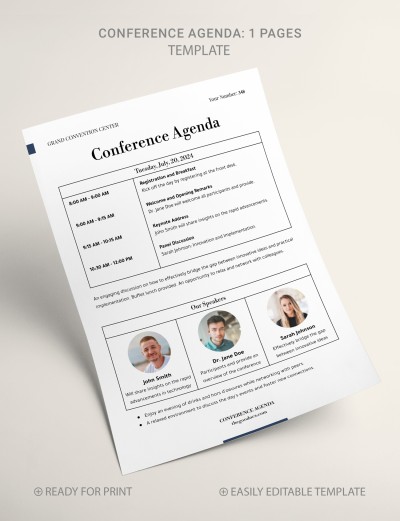
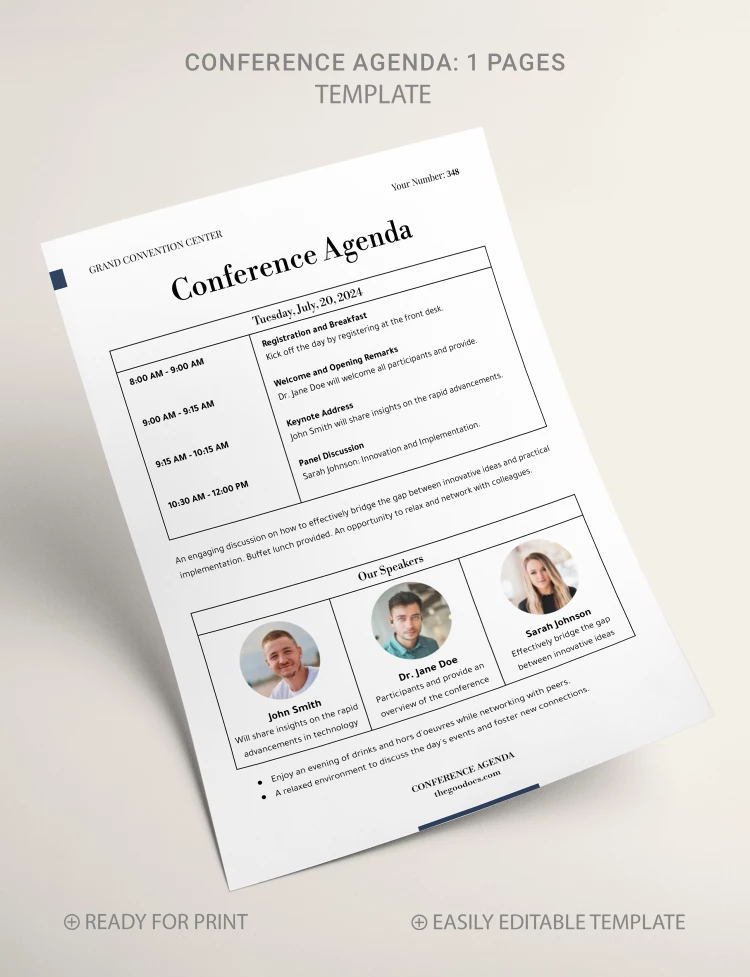
Our Minimalist Conference Agenda Template is suitable for any formal meetings on business, investment, modern technology, and many other topics. This option includes all the necessary sections to attract more visitors.
Simple One-Page Form
We have created a non-flashy and minimalist layout. The template features a black-and-white design with placeholders for color photos of speakers.
Agenda Template in Word and Google Docs
You can edit and print the finished version in Word and Google Docs formats, which greatly simplifies the process.
Use a ready-made structure or adjust it:
- Conference agenda table: features sections for periods and actual activities.
- Placeholder for text: you can add a few more words about your conference.
- Our speakers section: includes sections for information about three speakers and their photos.
Find an agenda template that is perfect for your tasks!
ADVERTISEMENT
Free Template
Download Free Template
Choose your platform and start editing right away
PLATFORM
PAPER SIZE
A4
No account required • Attribution required
WHAT’S INCLUDED
One-page minimalist conference layout
Editable speaker description sections
Placeholder for speaker photos
Customizable time slots and activities
Agenda Tips
Choose high-quality speaker photos for better engagement.
Keep descriptions concise for quick readability.
Adjust time slots to fit your conference schedule.
Highlight key sessions in bold for emphasis.
FAQ
Is this template compatible with Word?
Yes, it works in both Word and Google Docs.
Is the template easy to customize?
Yes, you can easily edit sections and add details.
Can I download it for free?
Yes, the template is free to download.
Is a Google account required?
No, you can use it in Word without a Google account.
Can I add more speakers?
Yes, simply duplicate the speaker section as needed.
ADVERTISEMENT
How to Use and Edit This Template

Get Your Document
Click the "Edit Template" button to create your own editable copy in Google Docs or download for Microsoft Word

Customize Everything
Easily change colors, fonts, and layouts to match your unique style or brand identity

Add Your Content
Fill in your data, upload images, and replace the placeholder text with your own information

Print, Export, or Share
Print, export as PDF, or share instantly