ADVERTISEMENT
ADVERTISEMENT
Meeting Agenda Template
Use this free template with Google Slides and Microsoft PowerPoint
ADVERTISEMENT
Template Specification
Format
Google Slides, Microsoft PowerPoint
Created
December 25, 2023
Last Updated
October 3, 2026
Community
Added to collections by 9 Users
Usage Stats
0 downloads this month
About this template
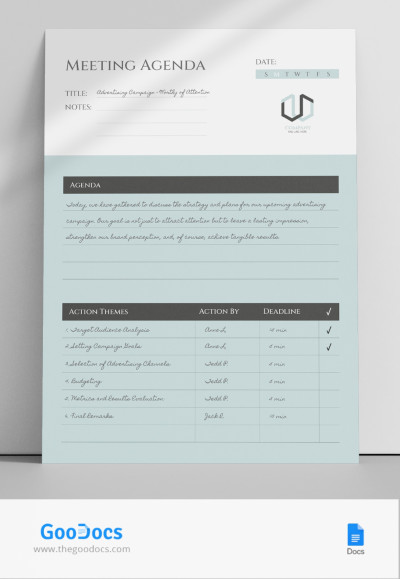
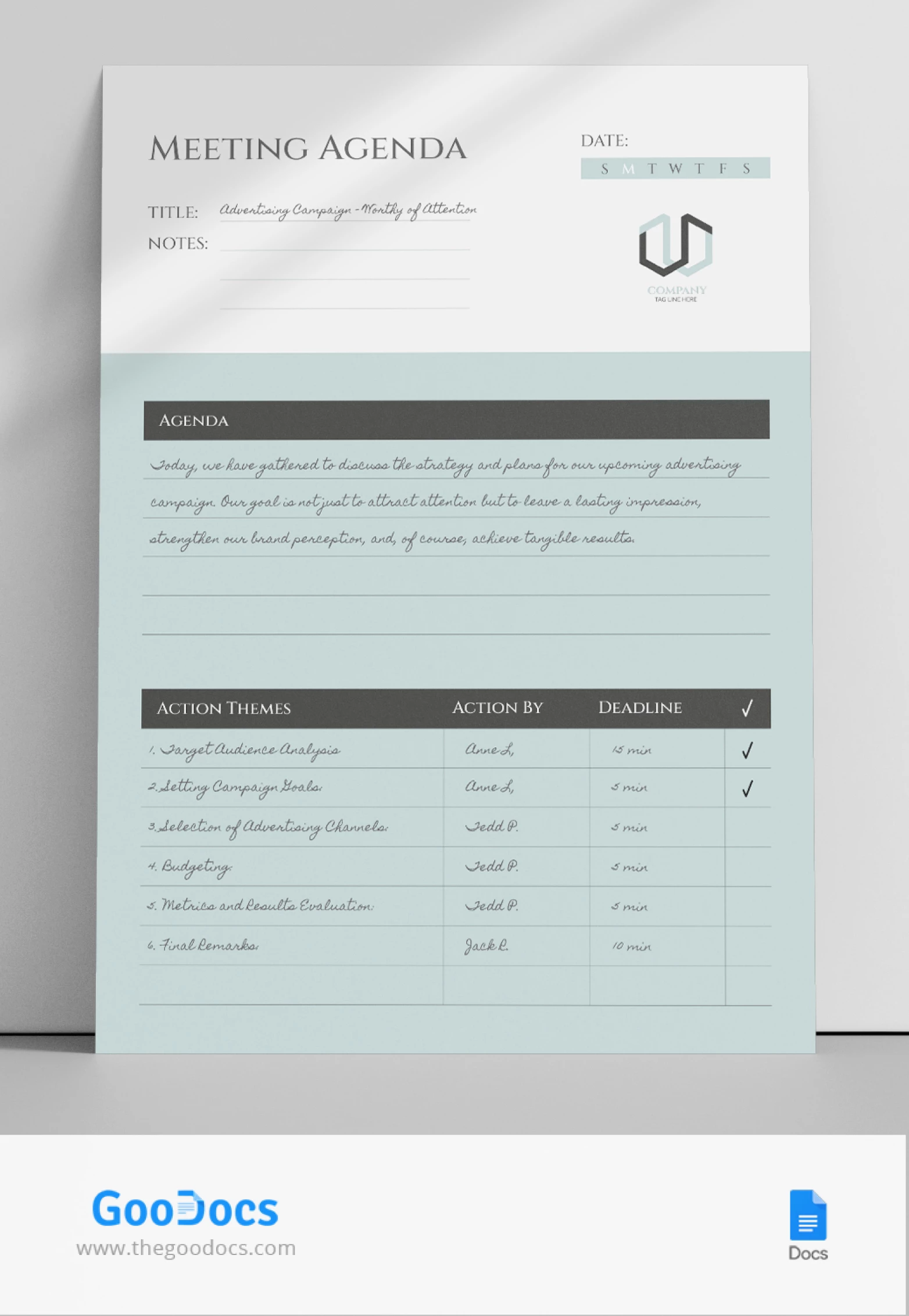
Streamline your meetings effortlessly with our Meeting Agenda Template. This template is crafted for precision and efficiency and ensures a structured discussion flow to maximize productivity. Say goodbye to chaotic meetings and embrace clarity. Elevate your team's collaboration with this essential tool.
ADVERTISEMENT
Free Template
Download Free Template
Choose your platform and start editing right away
PLATFORM
PAPER SIZE
A4
US Letter
No account required • Attribution required
WHAT’S INCLUDED
Structured agenda sections for clarity
Assignable action items with deadlines
Customizable for various meeting types
Sleek design enhances professional appeal
Agenda Tips
Customize sections to fit your meeting needs
Assign clear deadlines for action items
Review agenda before sending to attendees
Keep notes concise and focused
FAQ
Is this template compatible with Google Slides?
Yes, you can use it in Google Slides and PowerPoint.
Can I customize the agenda sections?
Absolutely, all sections are fully customizable.
Is this template free to download?
Yes, it is completely free to download and use.
Is this template easy to use?
Yes, it's designed for simple and intuitive use.
What is the best way to use this template?
Discuss the agenda items before the meeting for added clarity.
ADVERTISEMENT
How to Use and Edit This Template

Get Your Document
Click the "Edit Template" button to create your own editable copy in Google Slides or download for Microsoft PowerPoint

Customize Everything
Easily change colors, fonts, and layouts to match your unique style or brand identity

Add Your Content
Fill in your data, upload images, and replace the placeholder text with your own information

Print, Export, or Share
Print, export as PDF, or share instantly