ADVERTISEMENT
ADVERTISEMENT
Gray Meeting Agenda Template
Use this free template with Google Slides and Microsoft PowerPoint
4.47 (2 reviews)
•
Last updated
Updated
June 30, 2026
•
Created by
James Davis
ADVERTISEMENT
Template Specification
Format
Google Slides, Microsoft PowerPoint
Created
December 3, 2022
Last Updated
June 30, 2026
Community
Added to collections by 4 Users
Usage Stats
0 downloads this month
About this template
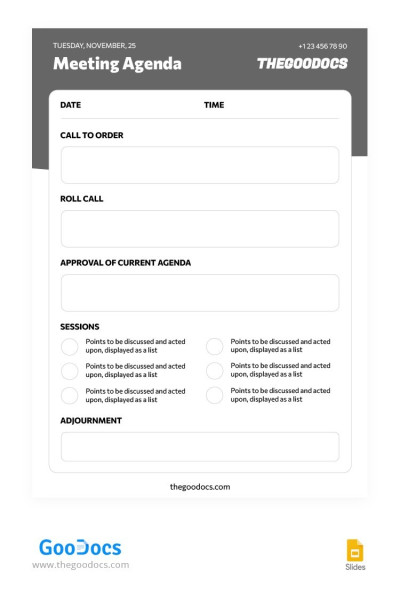
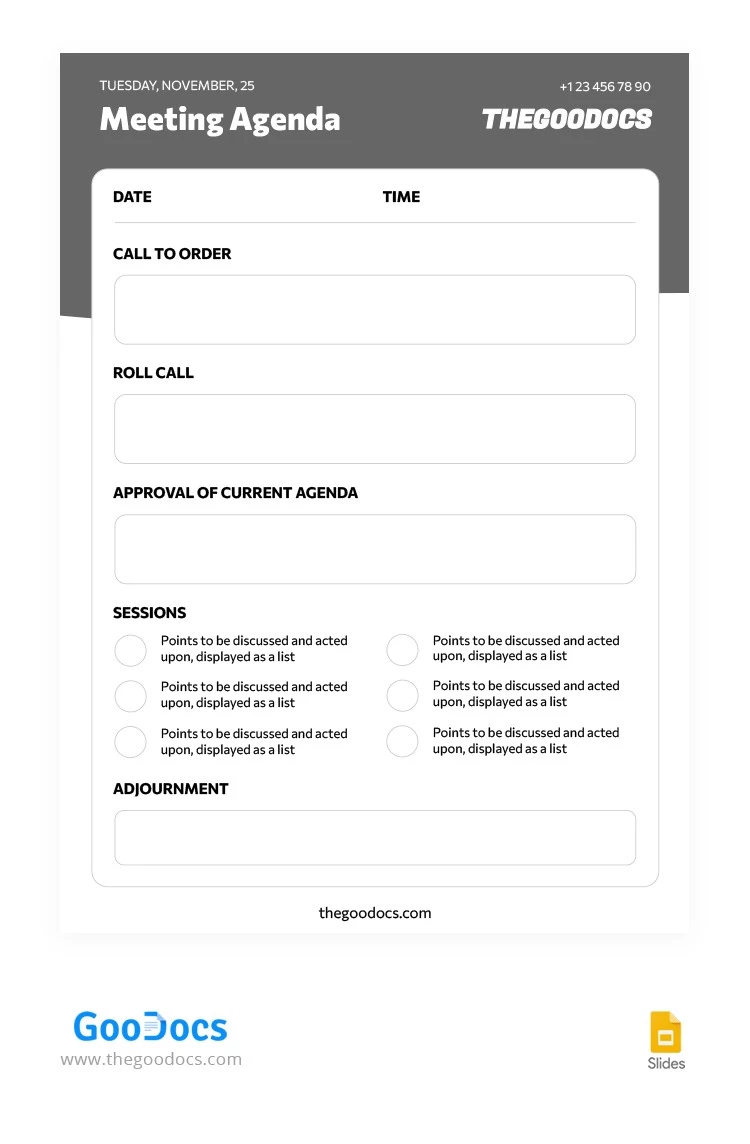
Discover this Gray Meeting Agenda Template suitable for any business rallies. It features a simple, no-frills design with a white background and gray header, modern and formal fonts, and ready-made fields for your entries.
Template Provides Everything You Need for Effective Meetings
The agenda design meets the standards of general formal discussions. The layout includes:
- Date and time field.
- The section to write down the purpose of the meeting.
- Roll call list.
- Approval of current agenda.
- Sessions to discuss during the rally.
- Adjournment field.
You can also include the company name, phone number, logo, and other personalization through Google Slides and PowerPoint formats.
Our free and premium agenda templates are your trusted companions to make meetings more effective, structured, and less time-consuming.
ADVERTISEMENT
Free Template
Download Free Template
Choose your platform and start editing right away
PLATFORM
PAPER SIZE
A4
US Letter
A4
US Letter
No account required • Attribution required
WHAT’S INCLUDED
Organized sections for meeting essentials
Customizable fields for personalization
Session points displayed as a list
Date and time specification fields
Agenda Tips
Customize the agenda to fit specific meetings.
Fill out the meeting purpose for clarity.
Distribute the agenda before meetings for preparation.
Use the roll call to track attendance.
FAQ
Is the template compatible with Google Slides?
Yes, it works perfectly in Google Slides.
Can I customize the template?
Absolutely, you can personalize and edit all fields.
Is the template free to download?
Yes, it's available for free download.
How easy is it to use?
It's designed for ease of use with ready-made fields.
Can I add my company logo?
Yes, just insert your logo in the header section.
ADVERTISEMENT
How to Use and Edit This Template

Get Your Document
Click the "Edit Template" button to create your own editable copy in Google Slides or download for Microsoft PowerPoint

Customize Everything
Easily change colors, fonts, and layouts to match your unique style or brand identity

Add Your Content
Fill in your data, upload images, and replace the placeholder text with your own information

Print, Export, or Share
Print, export as PDF, or share instantly