Teal Modern Nonprofit Board Meeting Agenda Template
Use this free template with Google Docs and Microsoft Word
Template Specification
About this template
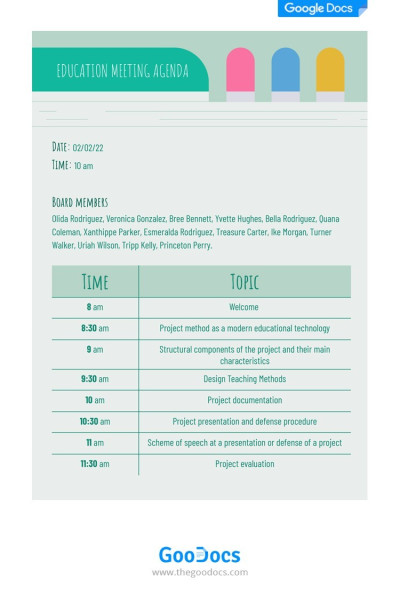
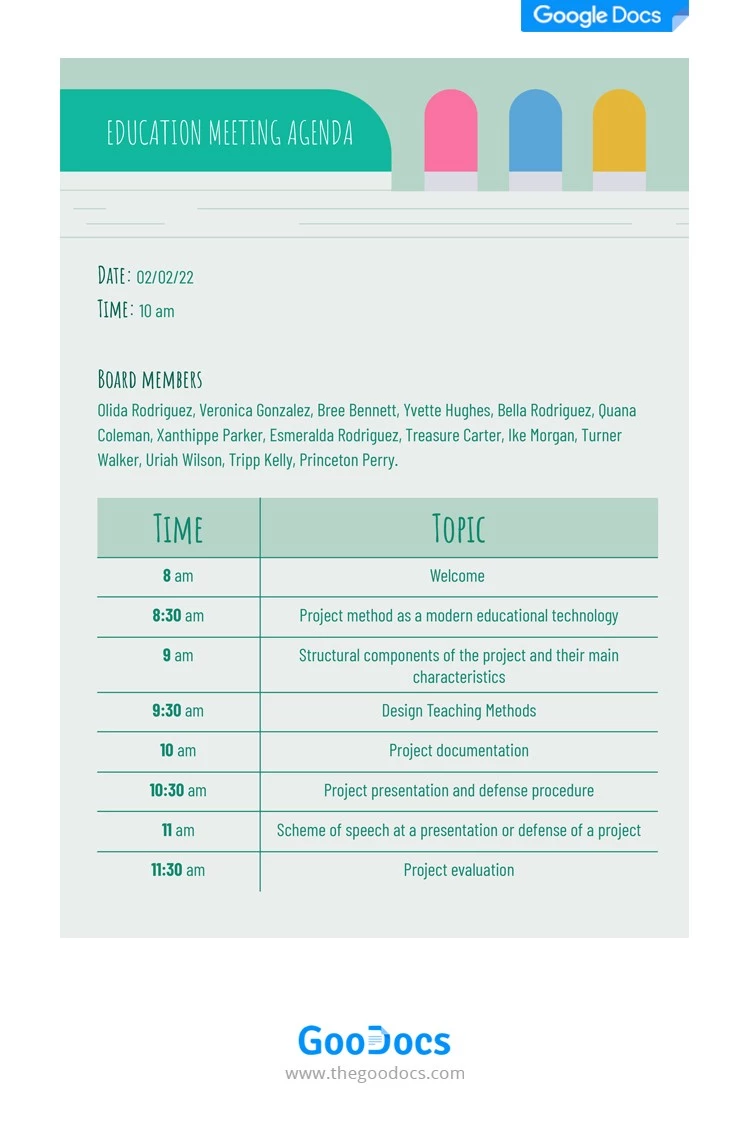
We’ve made this beautiful Teal Modern Nonprofit Board Meeting Agenda template for the organization and presentation of your ideas during the meeting. This nonprofit board meeting agenda template is a perfect solution to ensure a professional and engaging experience for organizers and attendees.
What’s interesting about this printable meeting agenda template?
- Header Section
The template begins with a green header which sets a tone of professionalism. This color symbolizes growth, harmony, and a fresh perspective for your conference.
- Time and Board Members Introduction
After inputting the header details, you can fill in the time and date. Below, there is a place for indicating all board meeting attendees.
- Meeting Timetable Section
The table consists of two columns: time and topic. The time section is underlined with bold digits, you can also give it another color. The topic section has enough space for writing discussions and placing important information.
- Playful Fonts
One more interesting point in this nonprofit board meeting agenda template is its visual effect. The template is designed with soft vibes and playful fonts. This way everyone can feel more relaxed during meeting minutes.
So, do you want to create an agenda that works for any type of nonprofit board meeting? Then this Google Docs meeting agenda in a modern teal theme is the perfect choice. Be sure, to check out more of our good agenda slides for staff meetings and events arrangements.
Download Free Template
WHAT’S INCLUDED
Agenda Tips
FAQ
How to Use and Edit This Template

Get Your Document

Customize Everything

Add Your Content