Get unlimited access to 5000+ Templates for Google Docs, Slides and Sheets
Unlimited Access
ADVERTISEMENT

Editable Travel Agenda Template

Use this free template with Google Slides and Microsoft PowerPoint
4.25 (1 reviews)
Last updated Updated July 11, 2026

Template Specification

Format Google Slides
Created April 19, 2024
Last Updated July 11, 2026
Community Added to collections by 8 Users
Usage Stats 0 downloads this month

About this template

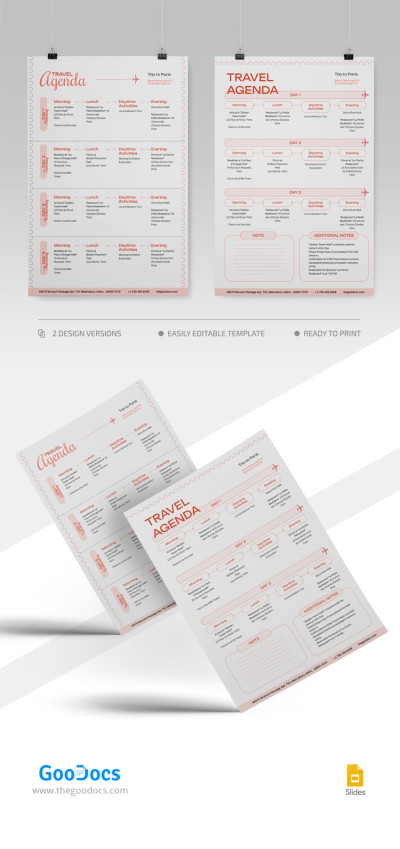
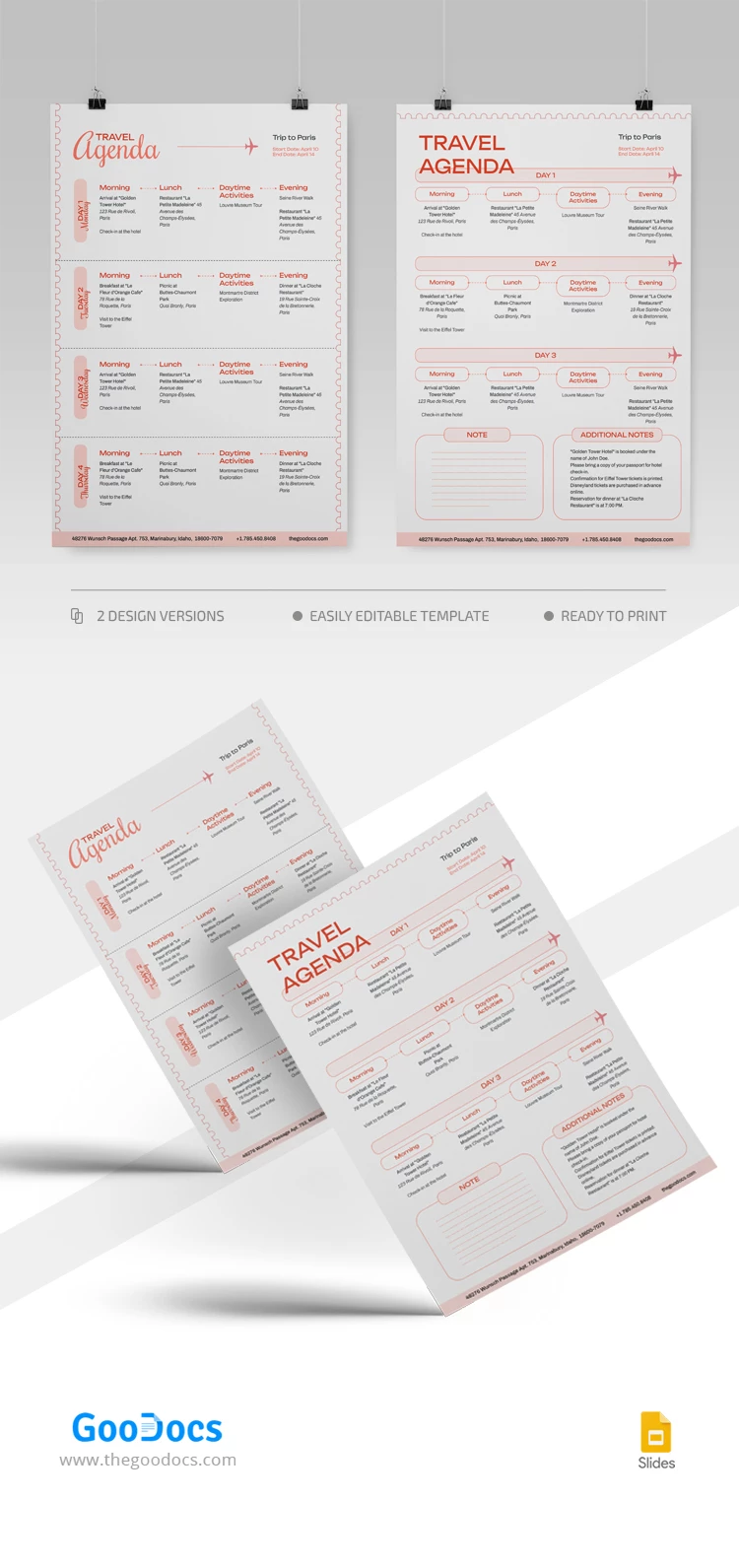
Our Travel Agenda template has something to amaze site users, including two different but consistent forms in one template! Find out which layout is best suited for your needs.

Bright Colors on a White Background

This template provides bright orange colors for all letterings and a header section. They are highly visible, so this agenda slide is a must-have to stay organized.

The agenda presentation option is your preferred choice because Google Slides is ideal for adding fancy graphic elements to a sample.

Two Formats: Vertical and Horizontal

Only you can decide which option proposed in the agenda slide template is more suitable. The first option is predesigned for a four-day trip, while the second is available for only a three-day journey. Yet, it has additional note sections that you can use to include information on things you need throughout the trip.

Explore the collection of agenda templates available on our website for free!

Free Template

Download Free Template

Choose your platform and start editing right away
PLATFORM

Google Slides

Opens in browser
PAPER SIZE
A4
US Letter
Google Slides – A4
No account required • Attribution required

WHAT’S INCLUDED

Two layout options, vertical and horizontal
Three-day and four-day trip formats
Bright orange color scheme
Additional notes and reminders section

Agenda Tips

1
Use color coding for better clarity and organization
2
Include contact details of places you plan to visit
3
Adjust the template for trips longer than four days
4
Regularly update based on itinerary changes

FAQ

Is the template compatible with Google Slides and PowerPoint? Yes, it works with both platforms seamlessly.
Is this template easy to use? Yes, it's designed for intuitive and straightforward editing.
Can I customize the template? Absolutely, you can modify colors, texts, and layouts.
Is the template free? Yes, you can download and use it at no cost.
Does it include sections for additional notes? Yes, there’s room for notes and reminders.
ADVERTISEMENT

How to Use and Edit This Template

Get Your Document

1

Get Your Document

Click the "Edit Template" button to create your own editable copy in Google Slides or download for Microsoft PowerPoint
Customize Everything
2

Customize Everything

Easily change colors, fonts, and layouts to match your unique style or brand identity
Add Your Content
3

Add Your Content

Fill in your data, upload images, and replace the placeholder text with your own information
Print, Export, or Share
4

Print, Export, or Share

Print, export as PDF, or share instantly

Related Templates

Recently Viewed