ADVERTISEMENT
ADVERTISEMENT
Beige Cream Aesthetic Daily Agenda Template
Use this free template with Google Docs and Microsoft Word
4.42 (2 reviews)
•
Last updated
Updated
September 26, 2026
•
Created by
Henry Turner
ADVERTISEMENT
Template Specification
Format
Google Docs, Microsoft Word
Created
June 30, 2022
Last Updated
September 26, 2026
Community
Added to collections by 16 Users
Usage Stats
2 downloads this month
About this template
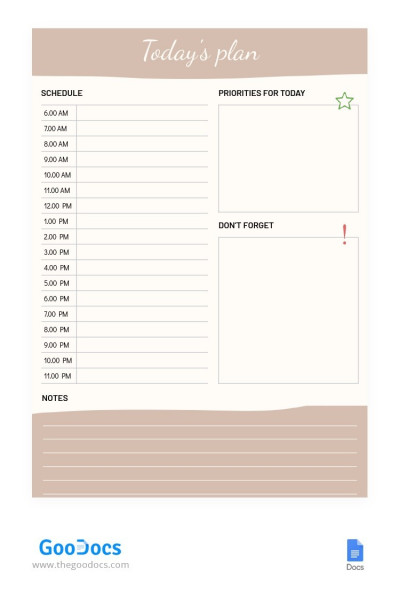
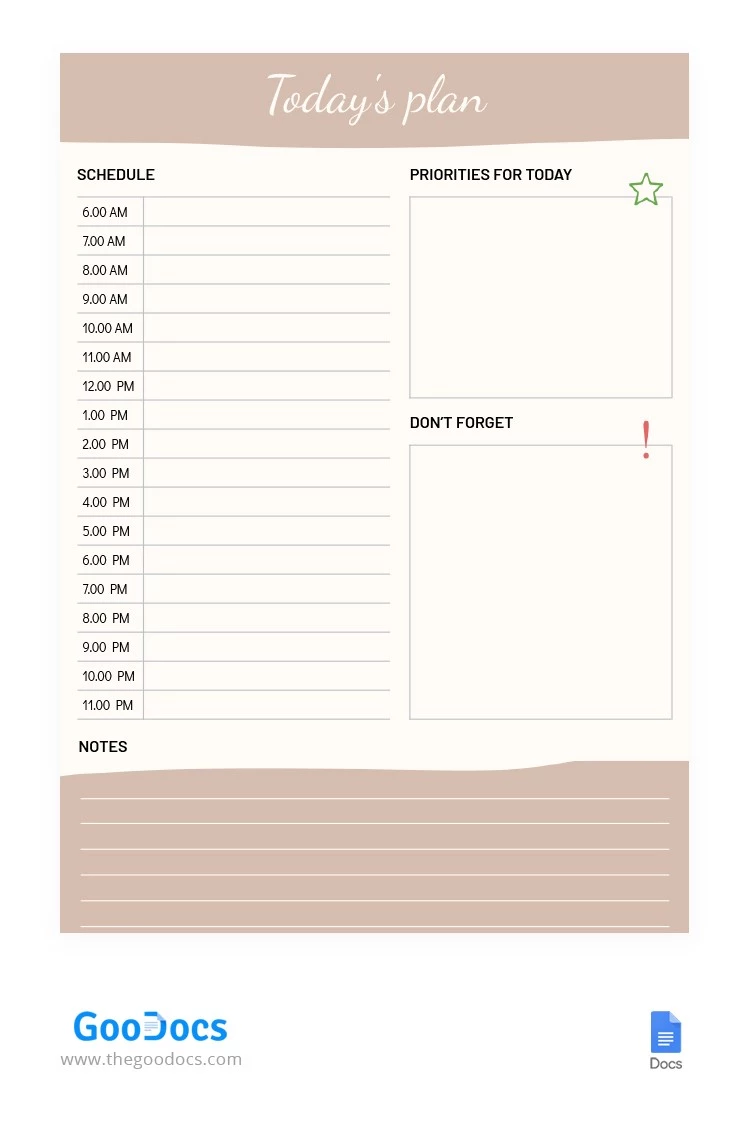
Do you work hard and constantly go to meetings, and plan your activities? Then our Cream Color Today’s Agenda template will help you keep track of all your upcoming events. You can add your projects to the ready-made template in just a few minutes of customization. You can work with the template online, offline, or even print it.
ADVERTISEMENT
Free Template
Download Free Template
Choose your platform and start editing right away
PLATFORM
PAPER SIZE
A4
US Letter
No account required • Attribution required
WHAT’S INCLUDED
Flexible daily schedule from 6 AM to 11 PM
Sections for priorities and reminders
Customizable note-taking area
Printable and digital usage options
Agenda Tips
Update your schedule each morning for maximum productivity
Highlight essential tasks in the priorities section for clarity
Review notes at day’s end to track progress
Set digital reminders for crucial events
FAQ
Is this template compatible with Google Docs?
Yes, it works seamlessly with Google Docs.
Can I customize the template easily?
Absolutely, you can tailor it to fit your needs.
Is this template free to download?
Yes, it is free to download and use.
Is it simple to use for beginners?
Yes, its intuitive design is beginner-friendly.
Can I print the agenda template?
Yes, it is designed for easy printing.
ADVERTISEMENT
How to Use and Edit This Template

Get Your Document
Click the "Edit Template" button to create your own editable copy in Google Docs or download for Microsoft Word

Customize Everything
Easily change colors, fonts, and layouts to match your unique style or brand identity

Add Your Content
Fill in your data, upload images, and replace the placeholder text with your own information

Print, Export, or Share
Print, export as PDF, or share instantly