ADVERTISEMENT
ADVERTISEMENT
Baby Shower Agenda Template
Use this free template with Google Docs and Microsoft Word
ADVERTISEMENT
Template Specification
Format
Google Docs, Microsoft Word
Created
January 7, 2024
Last Updated
October 3, 2026
Community
Added to collections by 3 Users
Usage Stats
12 downloads this month
About this template
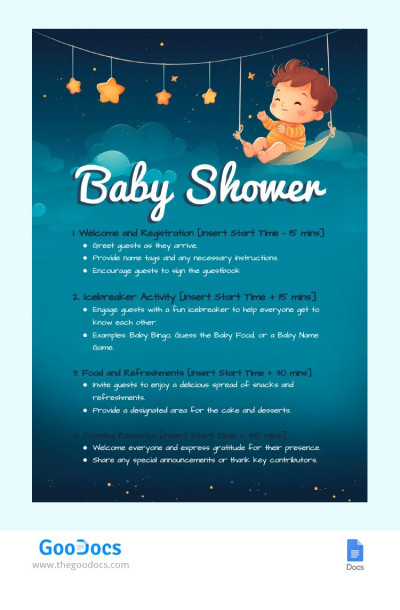
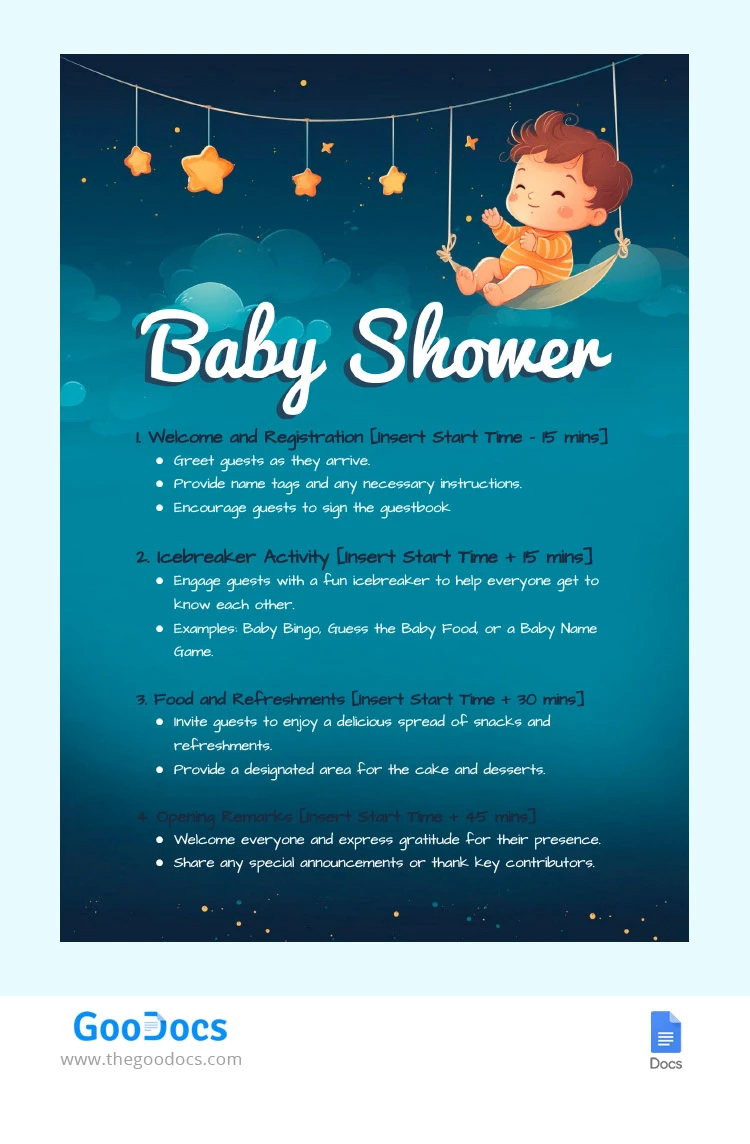
Immerse yourself in the serene ambiance created by the calming shades of blue, perfectly blended with deeper tones to evoke a sense of elegance and anticipation in this Baby Shower Agenda template. The cool, soothing hues of this template for agenda not only set a relaxing tone but also symbolize the joy and serenity that come with the impending arrival of a little one.
ADVERTISEMENT
Free Template
Download Free Template
Choose your platform and start editing right away
PLATFORM
PAPER SIZE
A4
US Letter
No account required • Attribution required
WHAT’S INCLUDED
Editable sections for party activities
Customizable time slots and agenda
Graphics with baby shower theme
Instructions for icebreaker games
Agenda Tips
Insert start times for each segment to stay organized.
Customize games to suit the theme and guest preferences.
Use the guestbook section to collect messages and wishes.
Provide clear directions for each activity to attendees.
FAQ
Is this template compatible with Word?
Yes, you can download and edit it in Microsoft Word.
Can I customize the colors?
Yes, the template colors are fully customizable.
Is the template free?
Yes, this template is free to download and use.
Is it easy to edit this template?
Absolutely, it's designed for easy customization.
Are there game suggestions included?
Yes, it includes suggestions like Baby Bingo and more.
ADVERTISEMENT
How to Use and Edit This Template

Get Your Document
Click the "Edit Template" button to create your own editable copy in Google Docs or download for Microsoft Word

Customize Everything
Easily change colors, fonts, and layouts to match your unique style or brand identity

Add Your Content
Fill in your data, upload images, and replace the placeholder text with your own information

Print, Export, or Share
Print, export as PDF, or share instantly