ADVERTISEMENT
ADVERTISEMENT
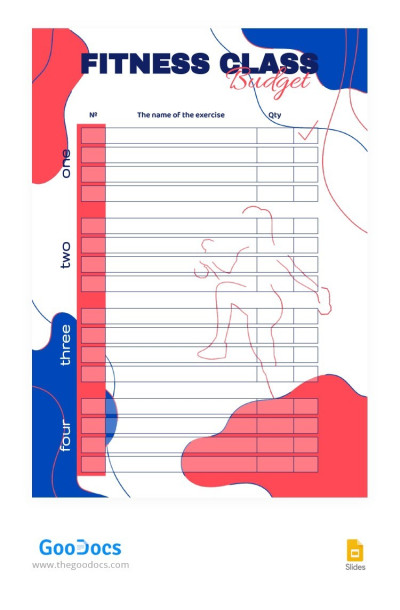
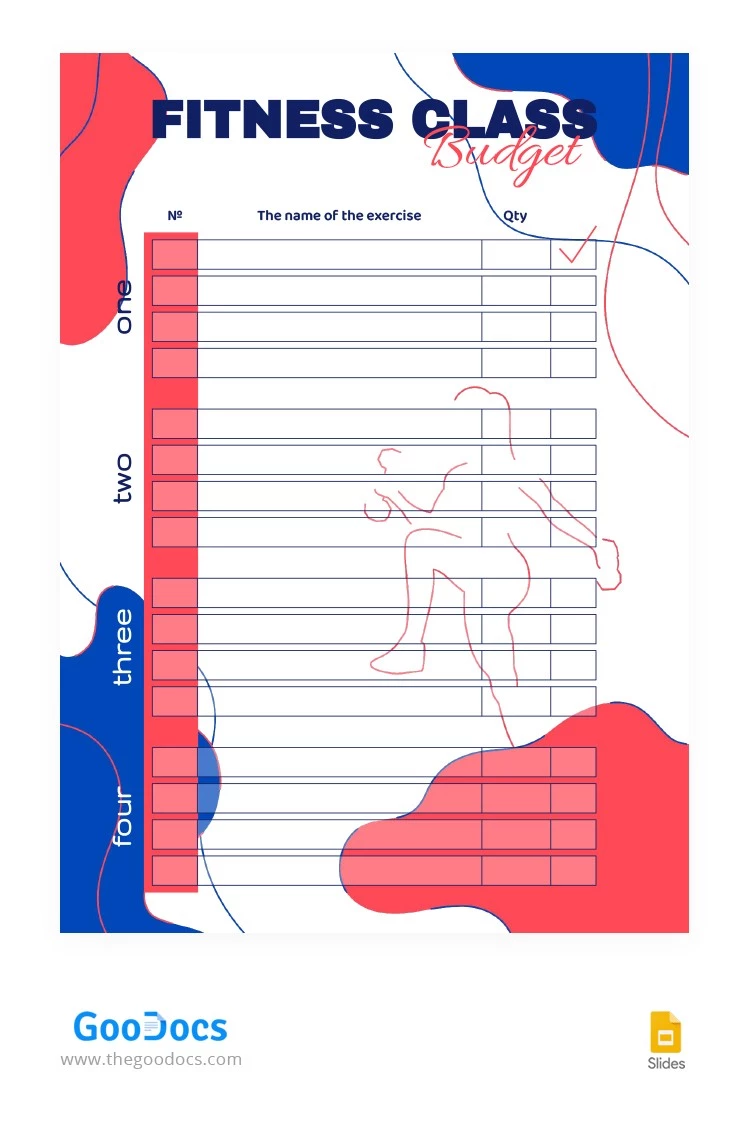
Stylish Fitness Class Budget Template
Use this free template with Google Slides and Microsoft PowerPoint
4.28 (2 reviews)
•
Last updated
Updated
October 3, 2026
•
Created by
John Doe
ADVERTISEMENT
Template Specification
Format
Google Slides
Created
June 3, 2023
Last Updated
October 3, 2026
Community
Added to collections by 1 Users
Usage Stats
2 downloads this month
About this template
Our Stylish Fitness Class Budget Template is perfect for fitness instructors, gym owners, or anyone organizing fitness classes or workshops. It offers a user-friendly layout that allows you to keep a close eye on your financials while maintaining a stylish and professional appearance. Get advantage of this free design in Google Slides right now!
ADVERTISEMENT
Free Template
Download Free Template
Choose your platform and start editing right away
PLATFORM
PAPER SIZE
A4
US Letter
No account required • Attribution required
WHAT’S INCLUDED
User-friendly exercise listing table
Eye-catching color-coded sections
Editable exercise name fields
Customizable quantity columns
Budget Tips
Categorize exercises consistently for easy tracking.
Regularly update quantities to monitor class attendance.
Add new exercises as you introduce them.
Use colors to differentiate exercise types.
FAQ
Is this template compatible with Google Slides?
Yes, it's designed for Google Slides and PowerPoint.
Is the template easy to customize?
Absolutely, you can easily edit any section.
Can I download it for free?
Yes, it's available for free download.
Is it easy to use for beginners?
Yes, the layout is straightforward and simple to navigate.
Can I track multiple classes with this?
Yes, you can create separate sheets for each class.
ADVERTISEMENT
How to Use and Edit This Template

Get Your Document
Click the "Edit Template" button to create your own editable copy in Google Slides or download for Microsoft PowerPoint

Customize Everything
Easily change colors, fonts, and layouts to match your unique style or brand identity

Add Your Content
Fill in your data, upload images, and replace the placeholder text with your own information

Print, Export, or Share
Print, export as PDF, or share instantly