ADVERTISEMENT
ADVERTISEMENT
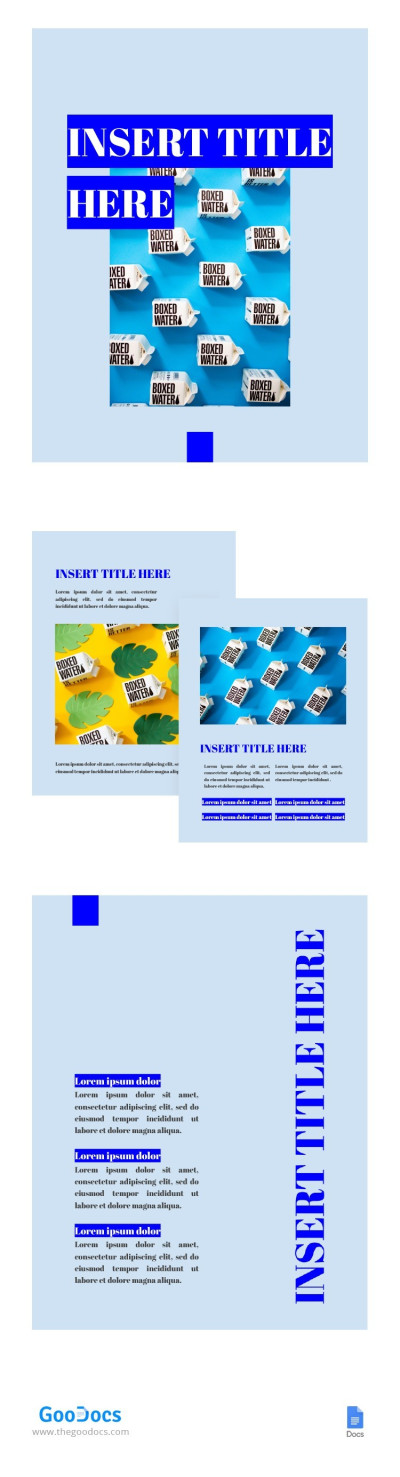
Blue Booklet Template
Use this free template with Google Docs and Microsoft Word
4.38 (2 reviews)
•
Last updated
Updated
July 25, 2026
•
Created by
William Harris
ADVERTISEMENT
Template Specification
Format
Google Docs
Created
November 3, 2021
Last Updated
July 25, 2026
Community
Added to collections by 6 Users
Usage Stats
0 downloads this month
About this template
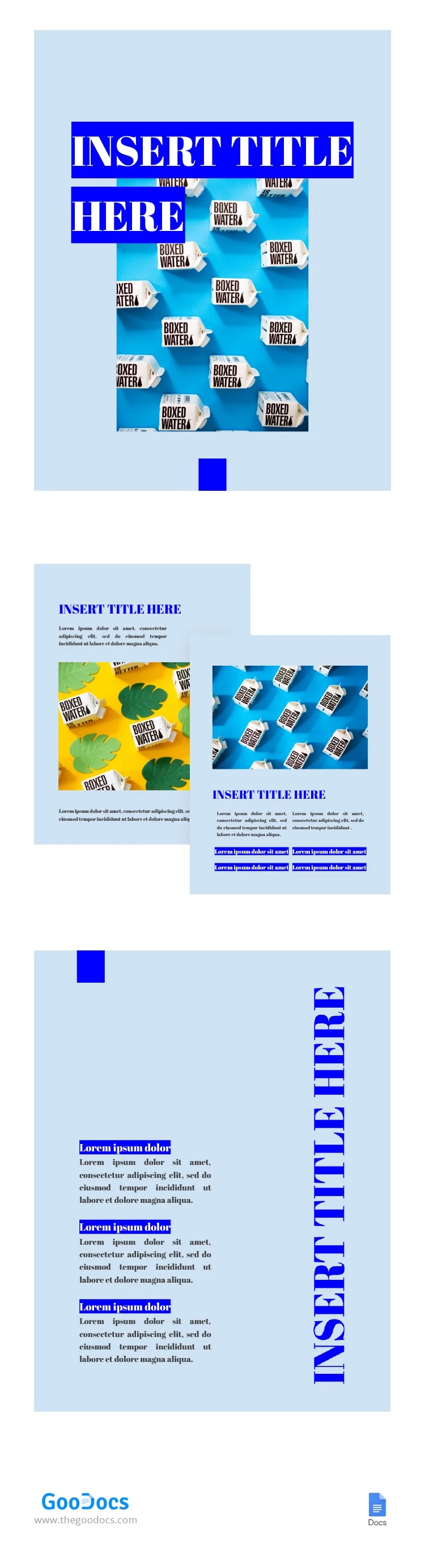
Instead of spending time designing your booklet, think about its text content. What information are you going to put there? What do you want to tell those who will receive your booklet? We created this fabulous template to make the marketing tasks easier for you. Try it to make your company grow faster!
ADVERTISEMENT
Free Template
Download Free Template
Choose your platform and start editing right away
PLATFORM
PAPER SIZE
US Letter
No account required • Attribution required
WHAT’S INCLUDED
Editable sections for text and images
Eye-catching cover design template
Consistent color theme throughout booklet
Pre-formatted typography styles
Booklet Tips
Use high-quality images for a professional look
Limit text on each page to maintain clarity
Utilize the color theme for brand consistency
Ensure titles are engaging to captivate readers
FAQ
Is the template compatible with Microsoft Word?
Yes, it can be used in both Google Docs and Word.
Can I customize the template easily?
Absolutely, it's fully customizable to fit your needs.
Is this template free to use?
Yes, the template is available for free download.
Do I need a Google account to use this?
No, you can also use it in Word without a Google account.
Can I change the color theme?
Yes, the color theme is easily adjustable.
ADVERTISEMENT
How to Use and Edit This Template

Get Your Document
Click the "Edit Template" button to create your own editable copy in Google Docs or download for Microsoft Word

Customize Everything
Easily change colors, fonts, and layouts to match your unique style or brand identity

Add Your Content
Fill in your data, upload images, and replace the placeholder text with your own information

Print, Export, or Share
Print, export as PDF, or share instantly