Family History Book Template
Use this template with Google Docs and Microsoft Word

Template Specification
Key Features of This Template
About this template
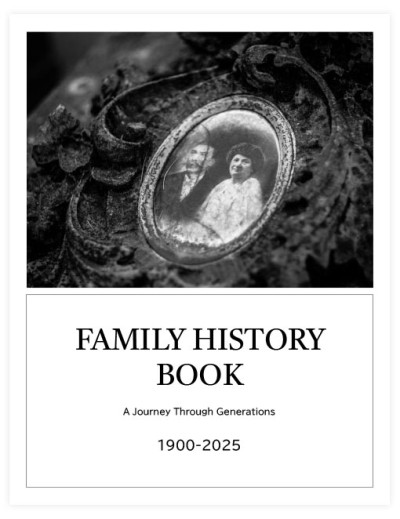
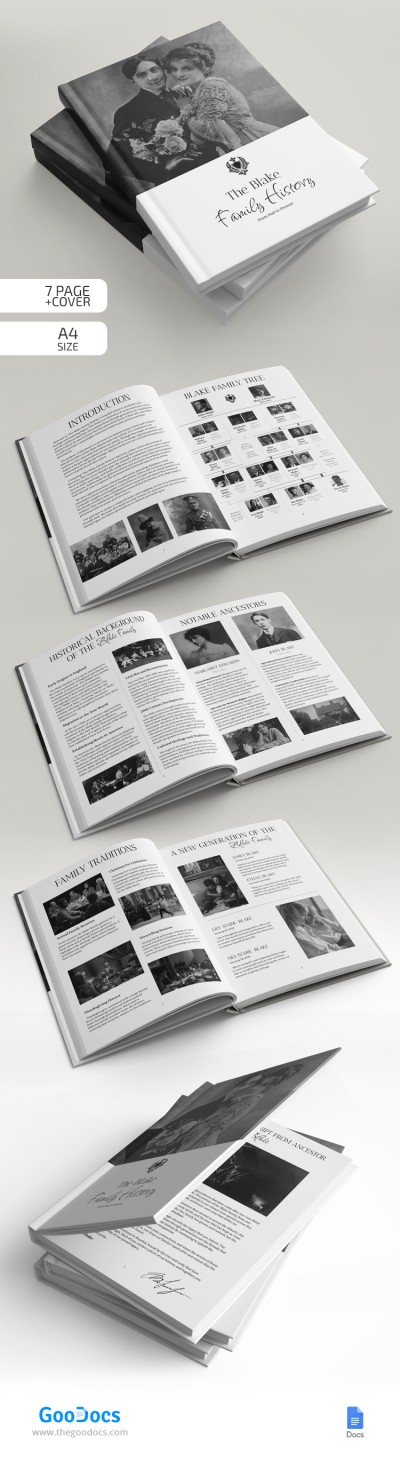
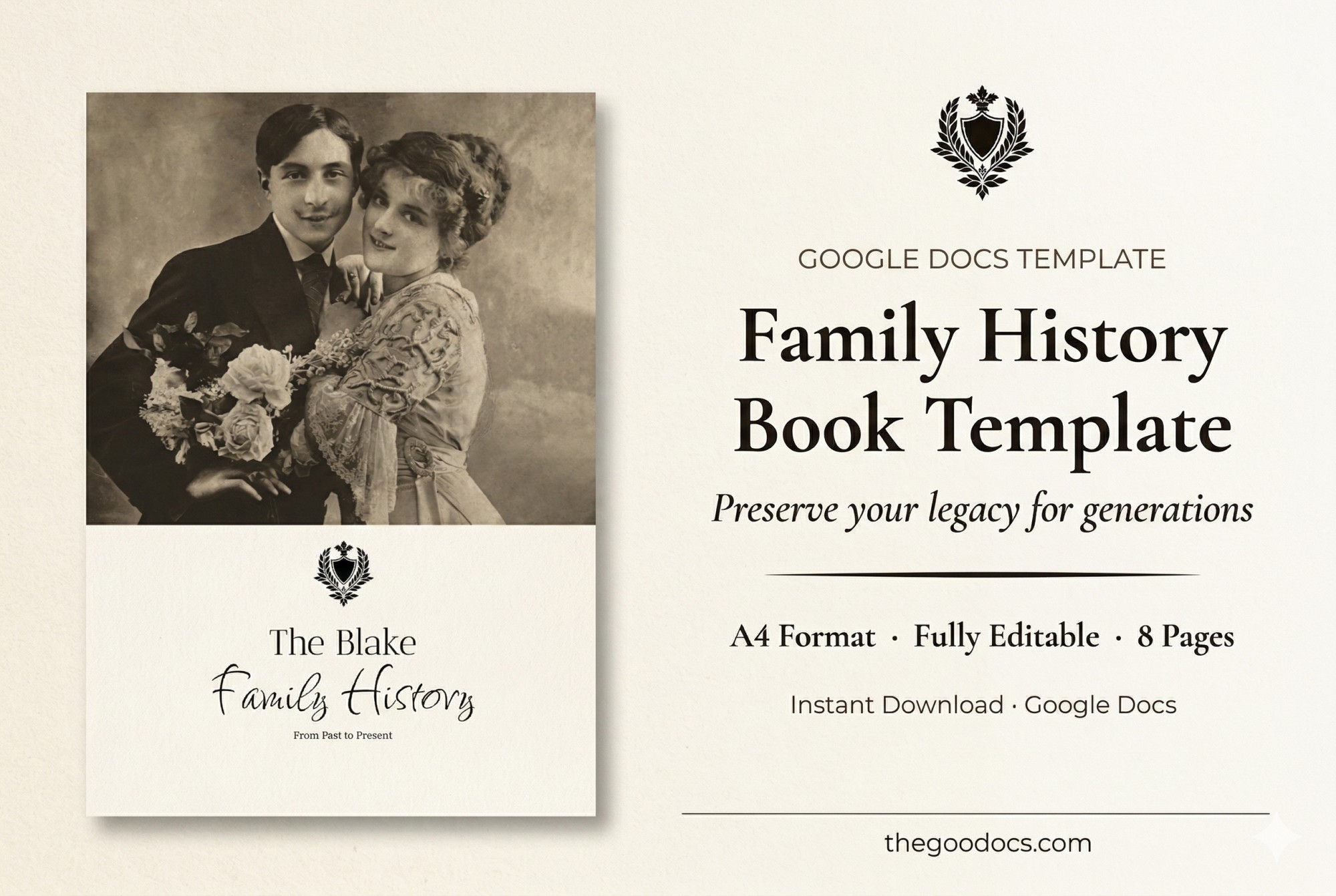
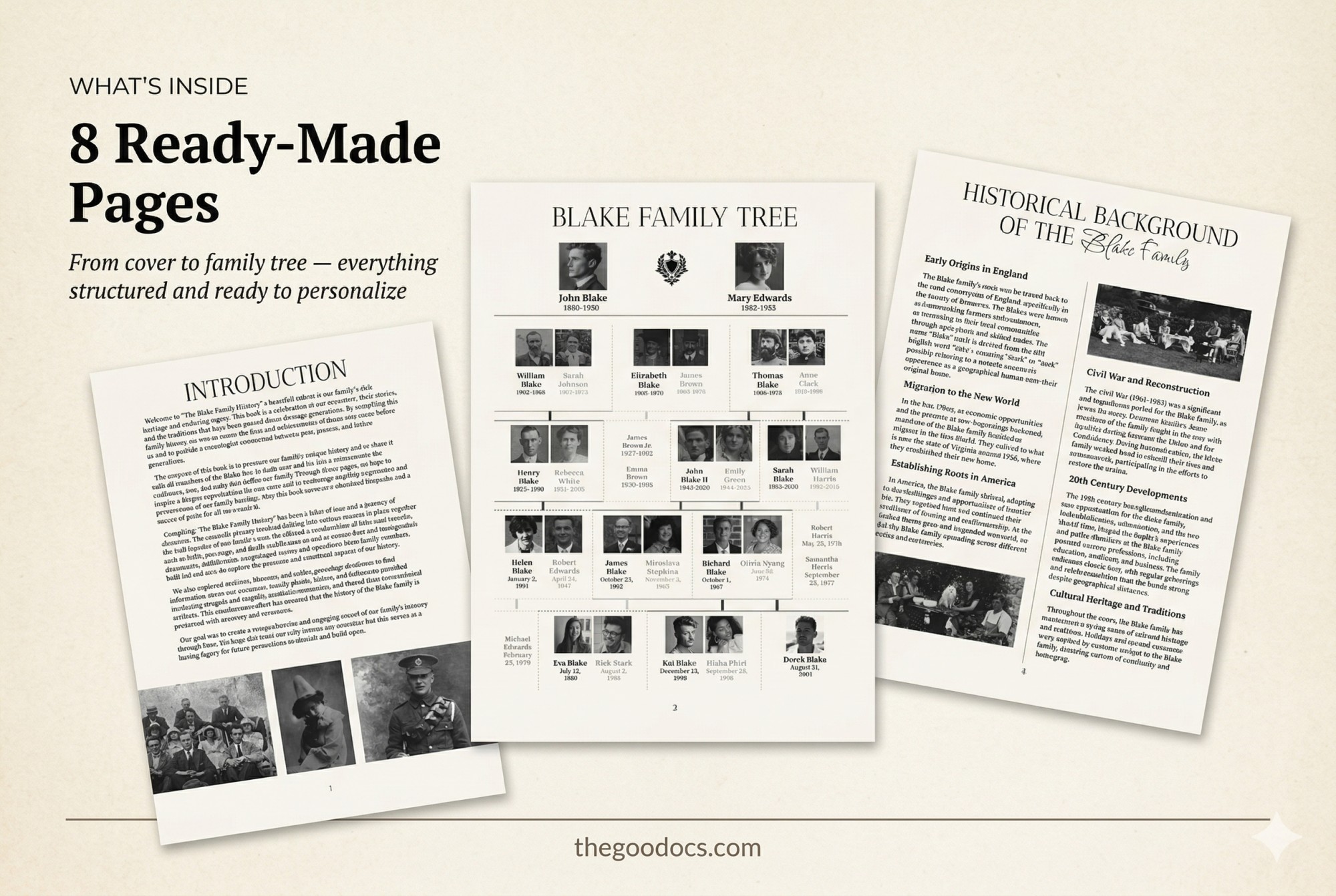
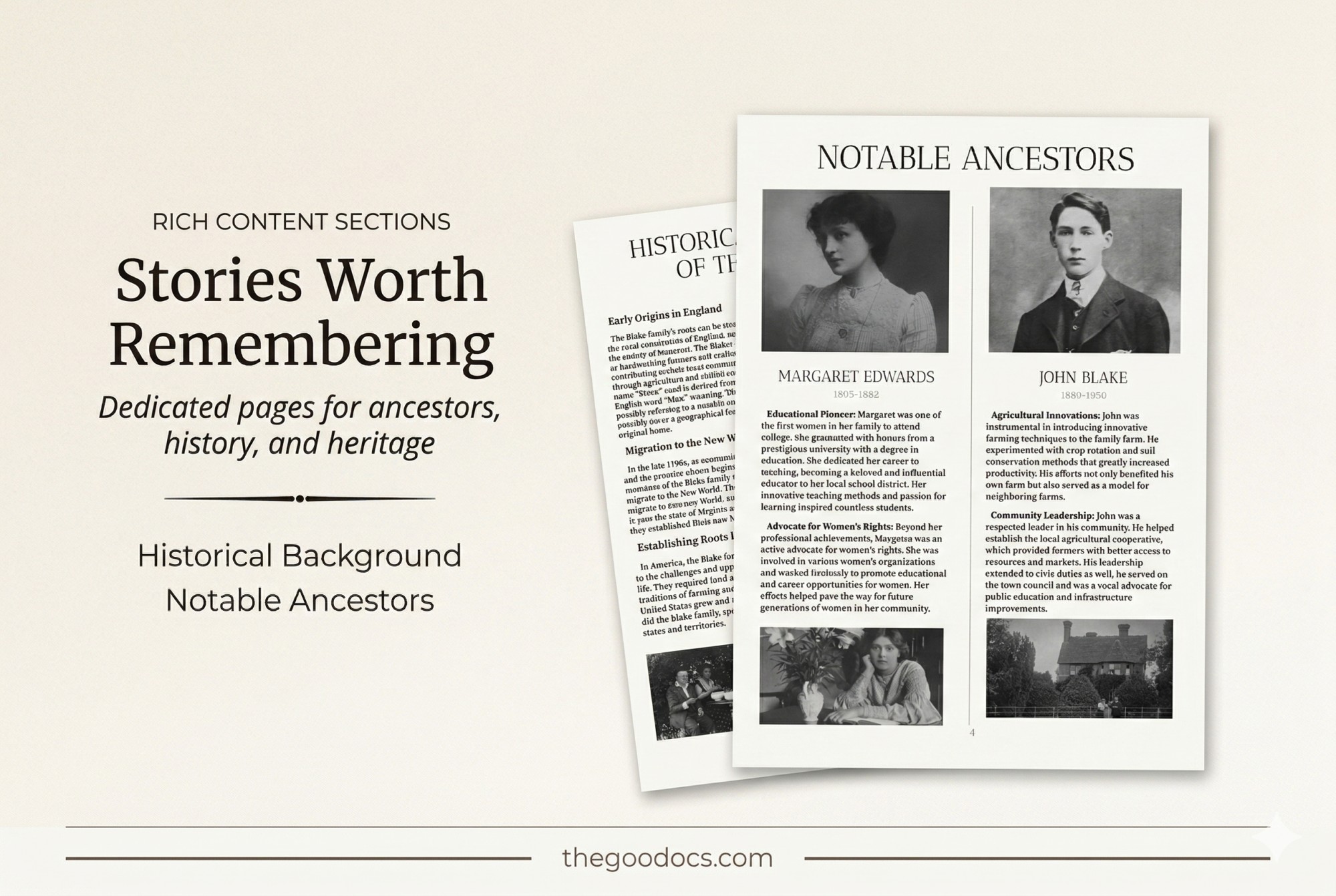
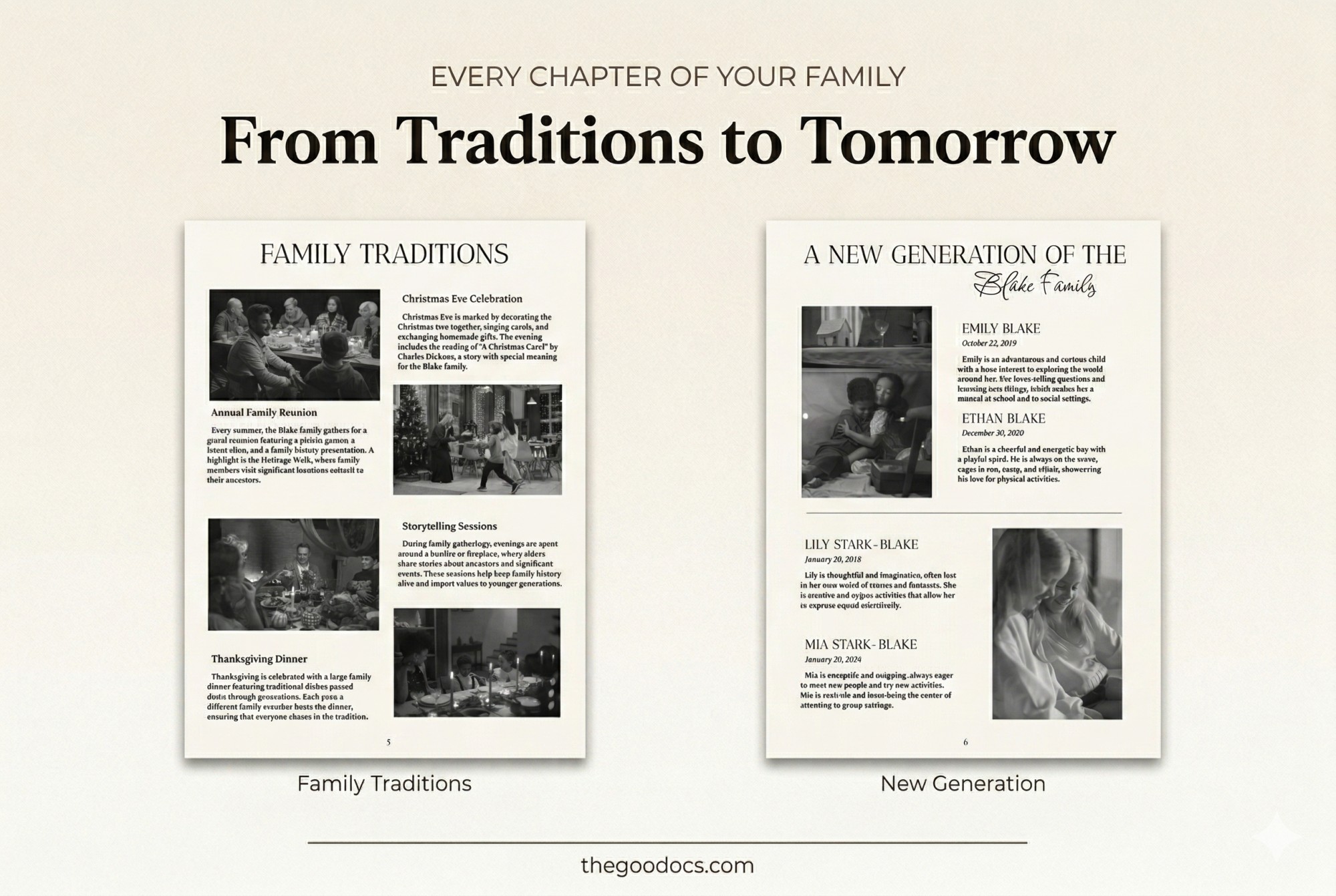
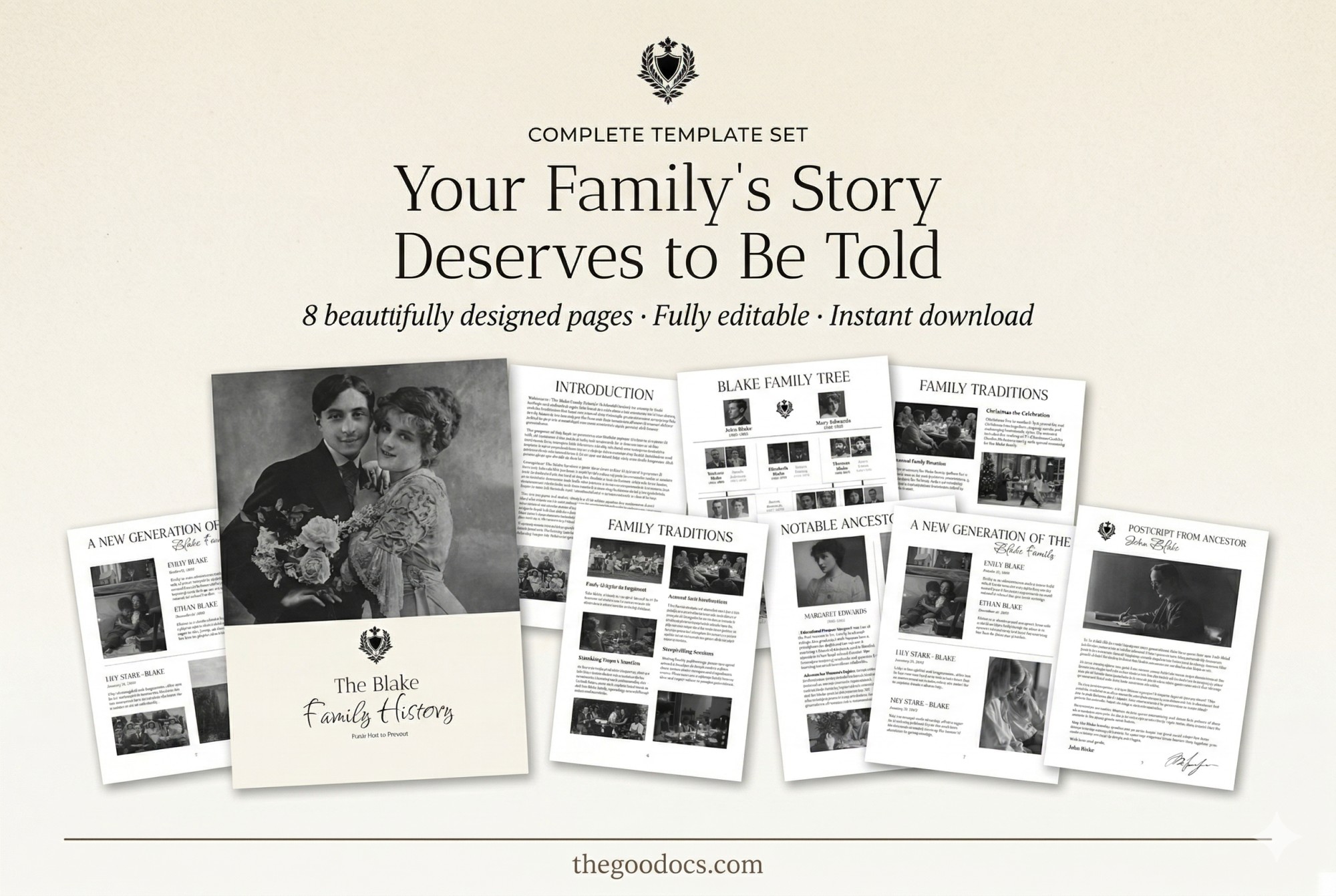
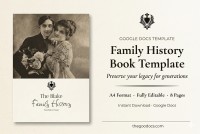
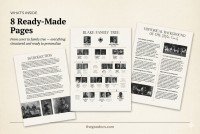
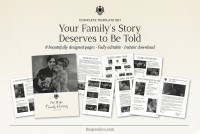
The Family History Book template can save precious memories about your nearest and beloved relatives. This family history book template incorporates eight pages with a ready-made structure and placeholders for text, photos, and traditions that will help you create a personalized book.
Consistent Design in Muted Colors
Black and white shades are used for the layout of this nonfiction book template. It applies to the background and shade of letters, photographs, logos, and other elements. You can leave everything as is and add current photos and text or change the palette in just a few clicks.
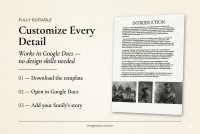
Google Docs and Word format opens the door for customization of all the premade placeholders.
Comprehensive Layout with Different Sections
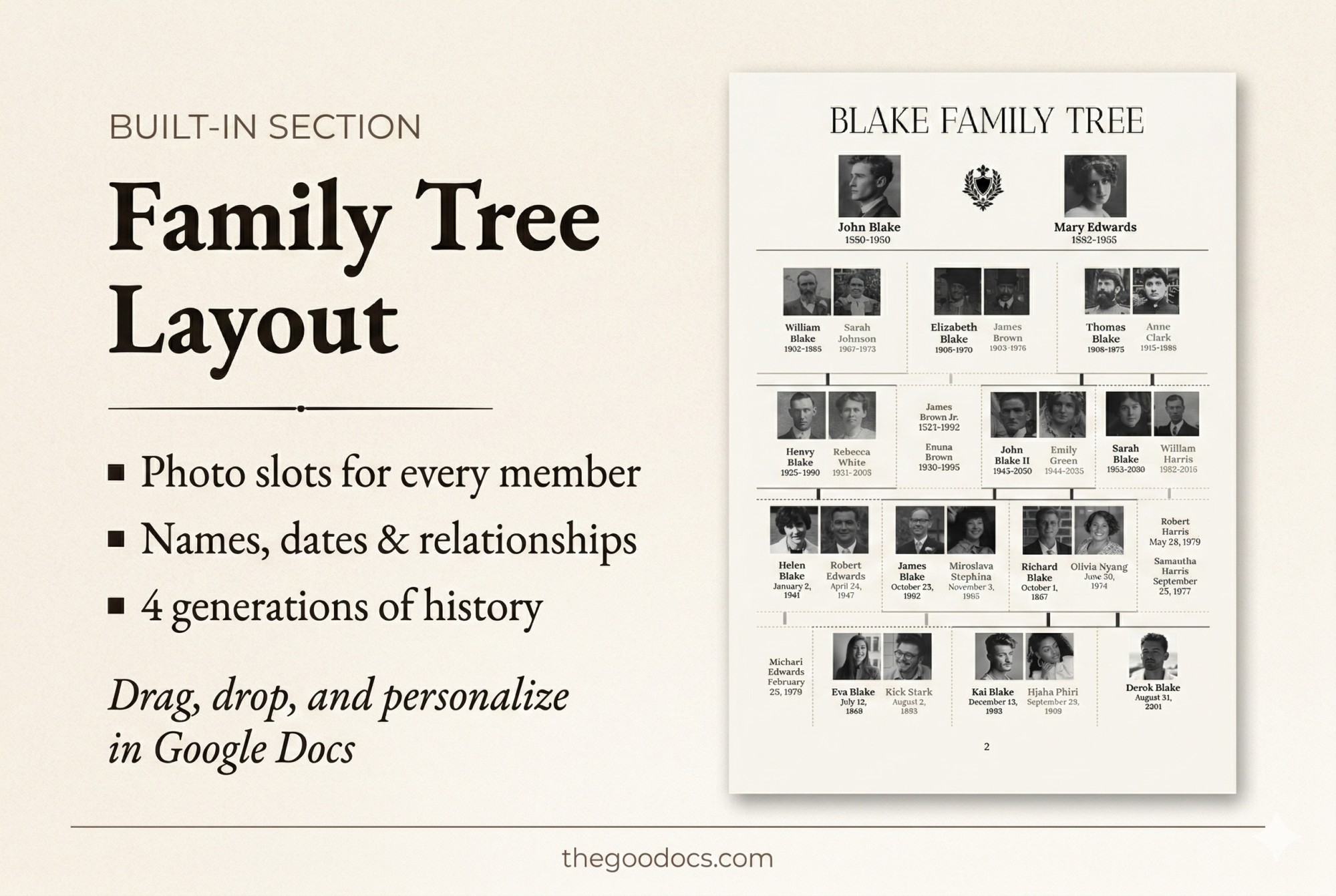
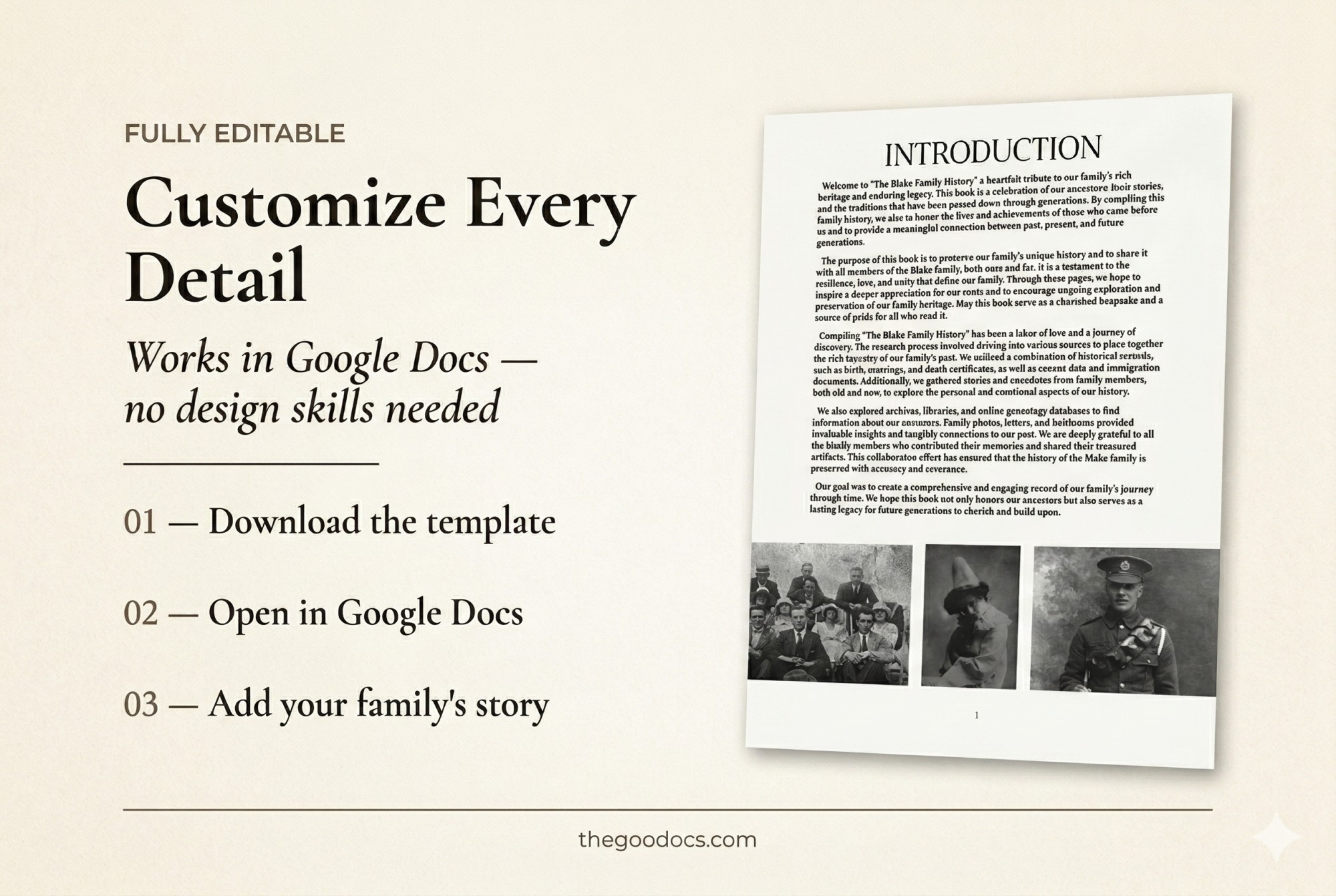
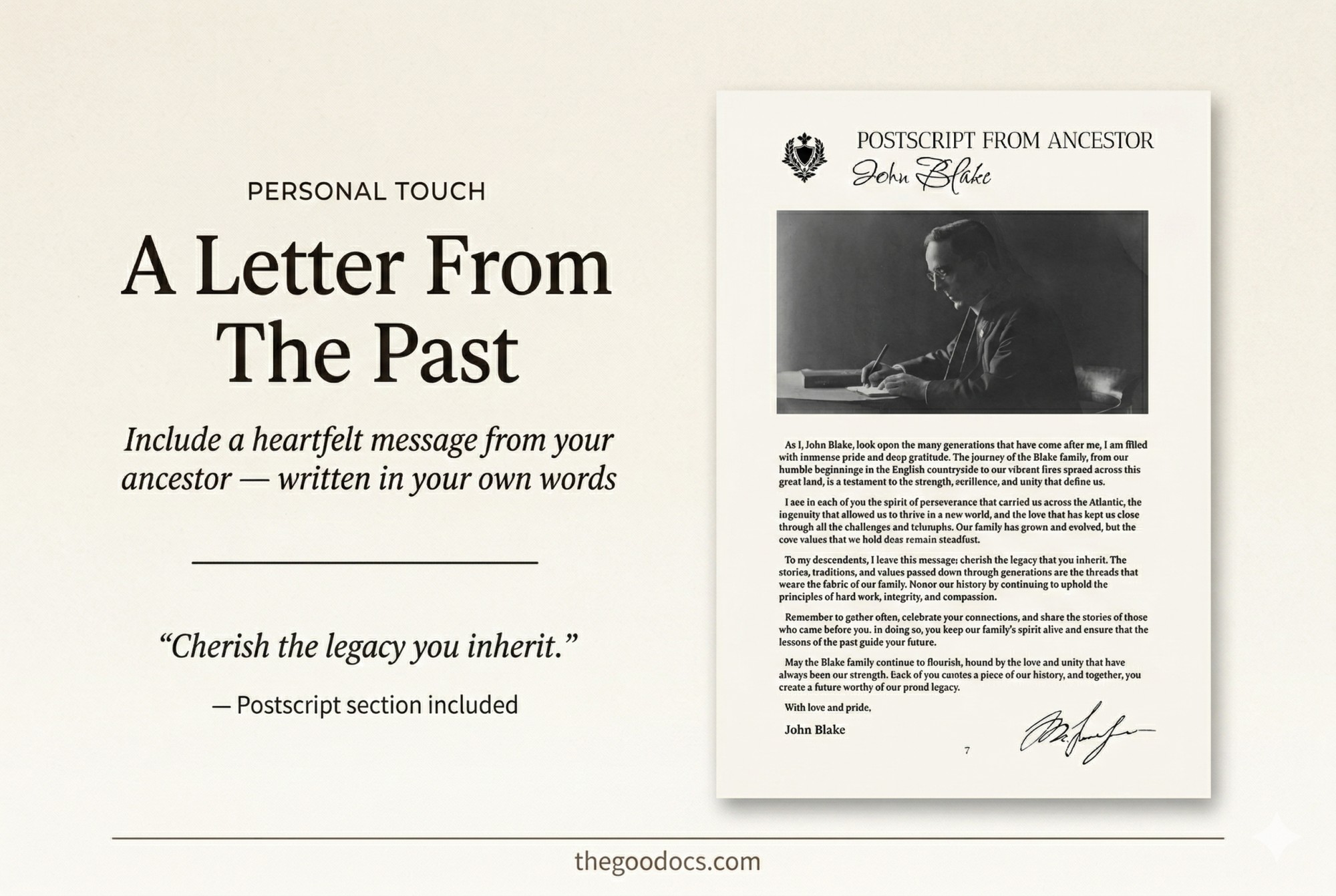
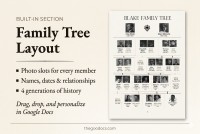
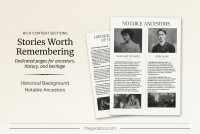
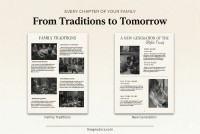
We have prepared a cover page with a space for a large photograph of the head of the family, an introduction page, a family tree, historical background, notable ancestors, family traditions, a new generation, and a postscript from ancestors. Each title is on a separate page and includes additional sections.
On TheGoodocs website contains you can find a Google Docs book template for any task.
How to Use and Edit This Template

Get Your Document

Customize Everything

Add Your Content